

Enhance
Sharpen, unblur & improve faces
Memora’s HD Upscale tool enlarges a photo by up to 4×. A small, low-resolution picture becomes a larger, crisper file that is ready to print.
HD Upscale lives inside the Memora app for iPhone and iPad. Memora is not an online upscaler, so there is no upload box on this page: the enlarging happens in the app.

Scan with your iPhone camera
Your first restoration is free. iPhone and iPad.
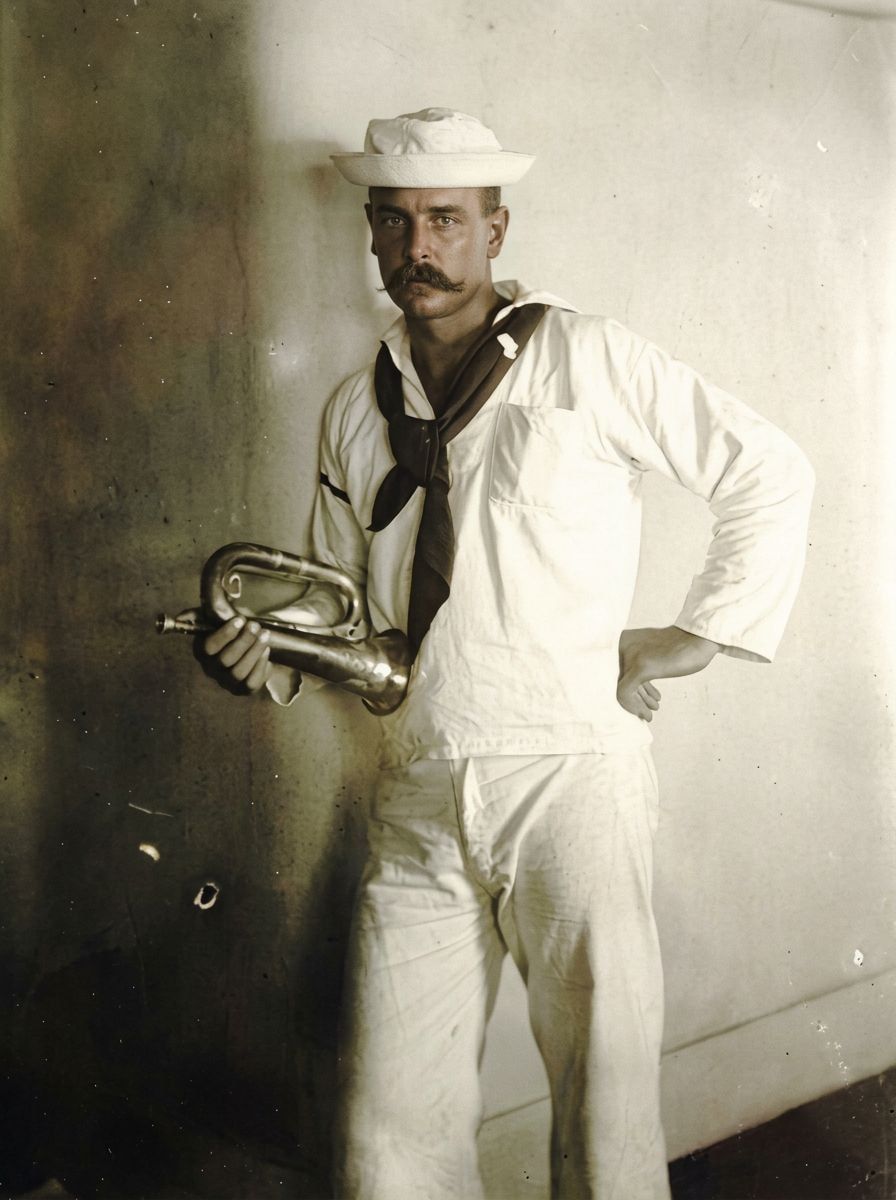
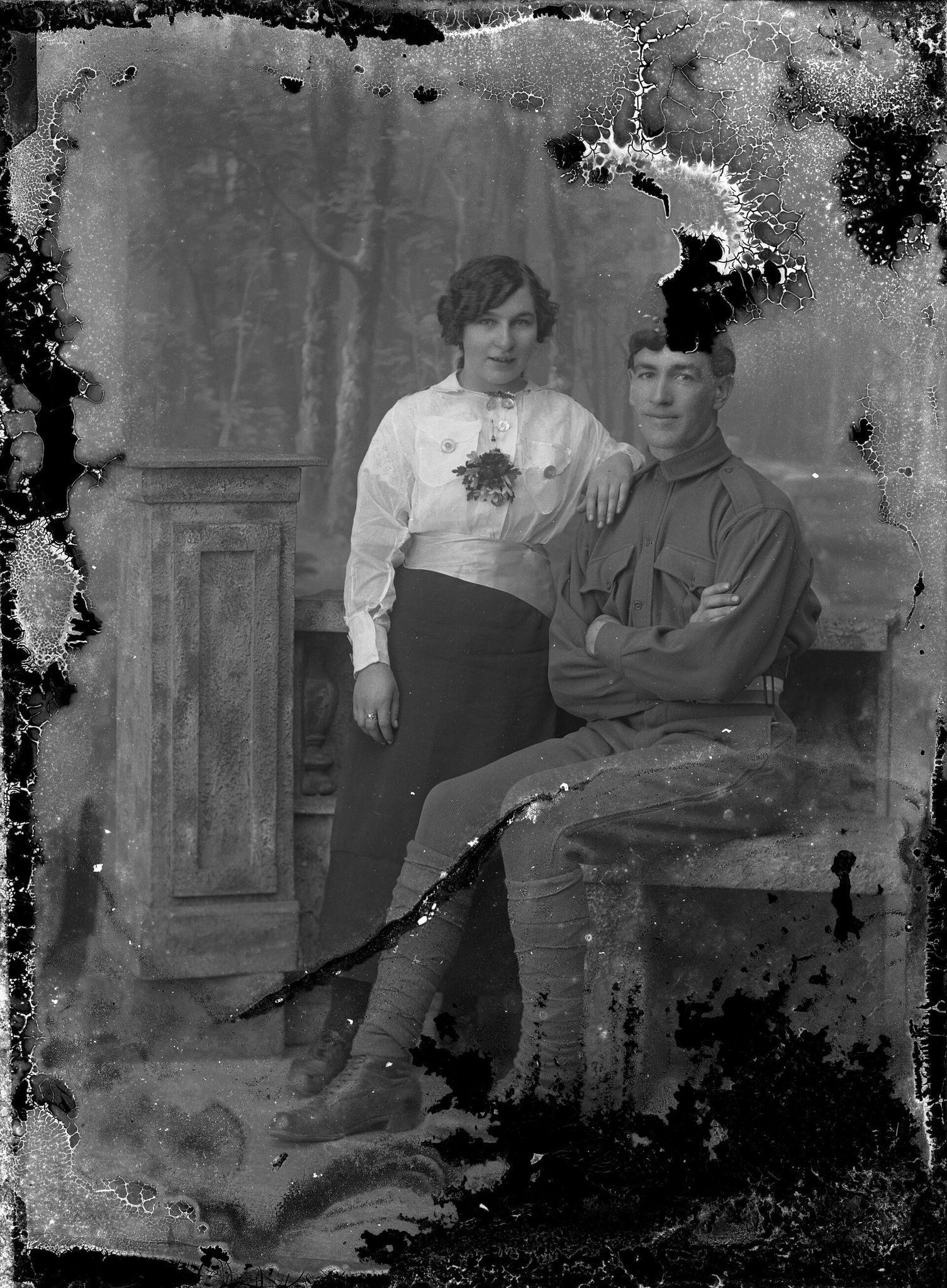
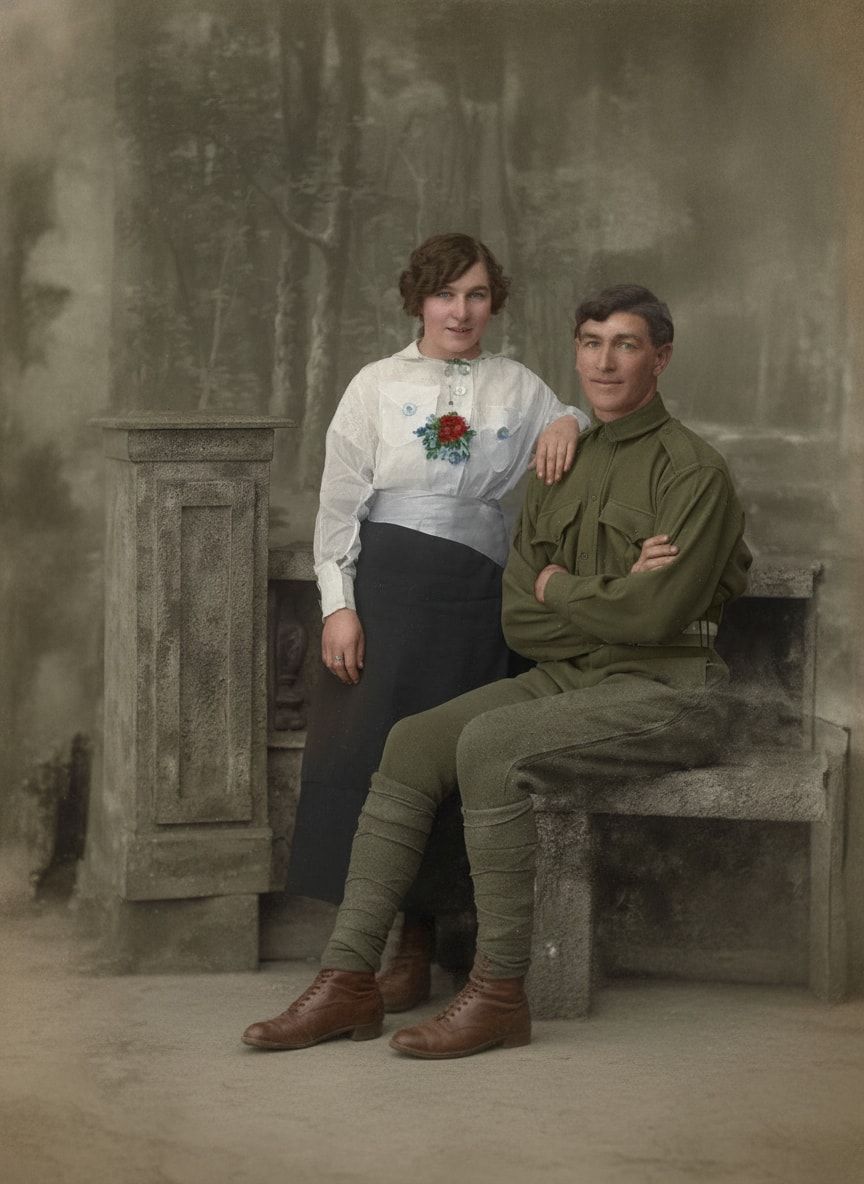
HD Upscale boosts the resolution of a photo by up to 4×. The result is a larger, crisper file, which helps with:
Memora enlarges a photo in four steps, with no sign-up along the way.
In Memora, choose HD Upscale from the six tools.
Take it from your library or the Files app. A paper print can be photographed with the camera instead.
HD Upscale boosts the resolution by up to 4× and makes the picture crisper.
Use the slider to see the original next to the larger version, then save it or share it.
HD Upscale in Memora makes a photo larger and crisper, and that is the whole job. Three limits follow from that:
Memora’s HD Upscale tool enlarges a photo by up to 4×, and no further.
The enlarged file is also crisper than the one you started with. Each result opens on a before/after slider, so the difference is easy to judge.
Yes. HD Upscale turns a small or low-resolution photo into a larger, crisper, print-ready file.
If the photo exists only on paper, photograph the print with the camera inside Memora, or add a scan from your library or the Files app.
Your first restoration is free, once per install, and it can be an enlargement with HD Upscale. That free result carries a “Made with Memora” watermark.
After that, HD Upscale needs Memora Pro, priced at $5.99 per week or $39.99 per year in the US. Apple sets the price in other countries, and there is no free trial.
No, HD Upscale is part of the Memora app for iPhone and iPad, not a website tool. You need iOS 17 or later, and Memora has no web version and no Android app.
Memora’s Enhance tool sharpens blurry photos, and its Restore Photo tool repairs old, damaged and faded ones.
Sharpen, unblur & improve faces
Repair old, damaged & faded photos
Download Memora and give HD Upscale a small photo to enlarge, because your first restoration is free.
Your first restoration is free. iPhone and iPad.
Last updated: