Restore Photo
Repair old, damaged & faded photos
Memora is a photo restoration app for iPhone and iPad. It repairs cracks and fading, colorizes black & white photos and brings blurry faces back into focus — and every face stays exactly as you remember it.

Scan with your iPhone camera
Your first restoration is free. iPhone and iPad.
Memora is built to preserve faces, so your loved ones stay exactly as you remember them.
Memora has no ads and needs no sign-up. Open the app, pick a photo and start.
Memora uses your photo only to create your result. The original is never stored on Memora’s servers.
Memora has six restoration tools. Pick the one that matches what is wrong with your photo.
Repair old, damaged & faded photos
Bring black & white photos to life
Remove scratches, tears & damage
Sharpen, unblur & improve faces
Boost resolution up to 4×
Clean grain, noise & haze
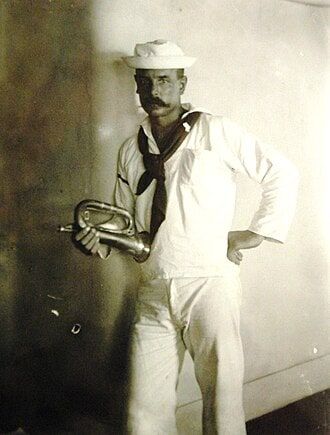
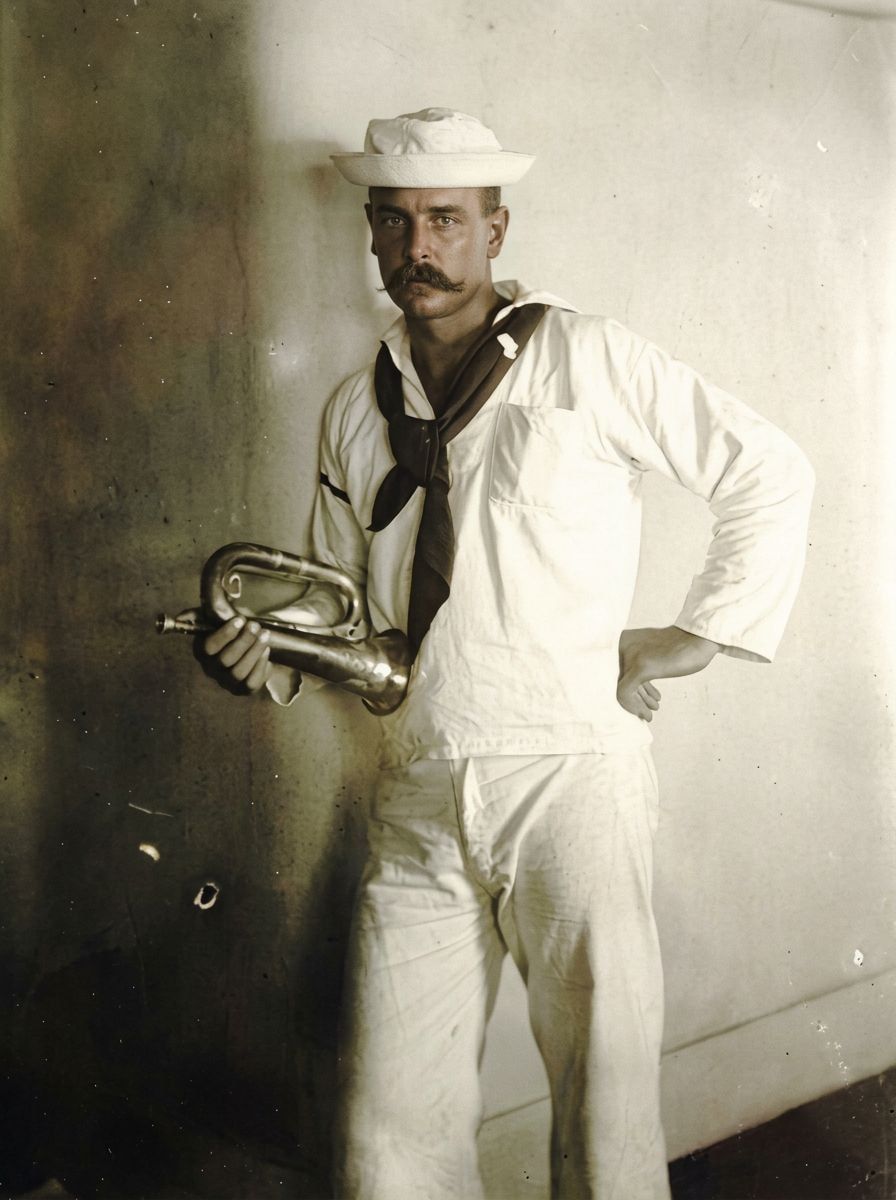
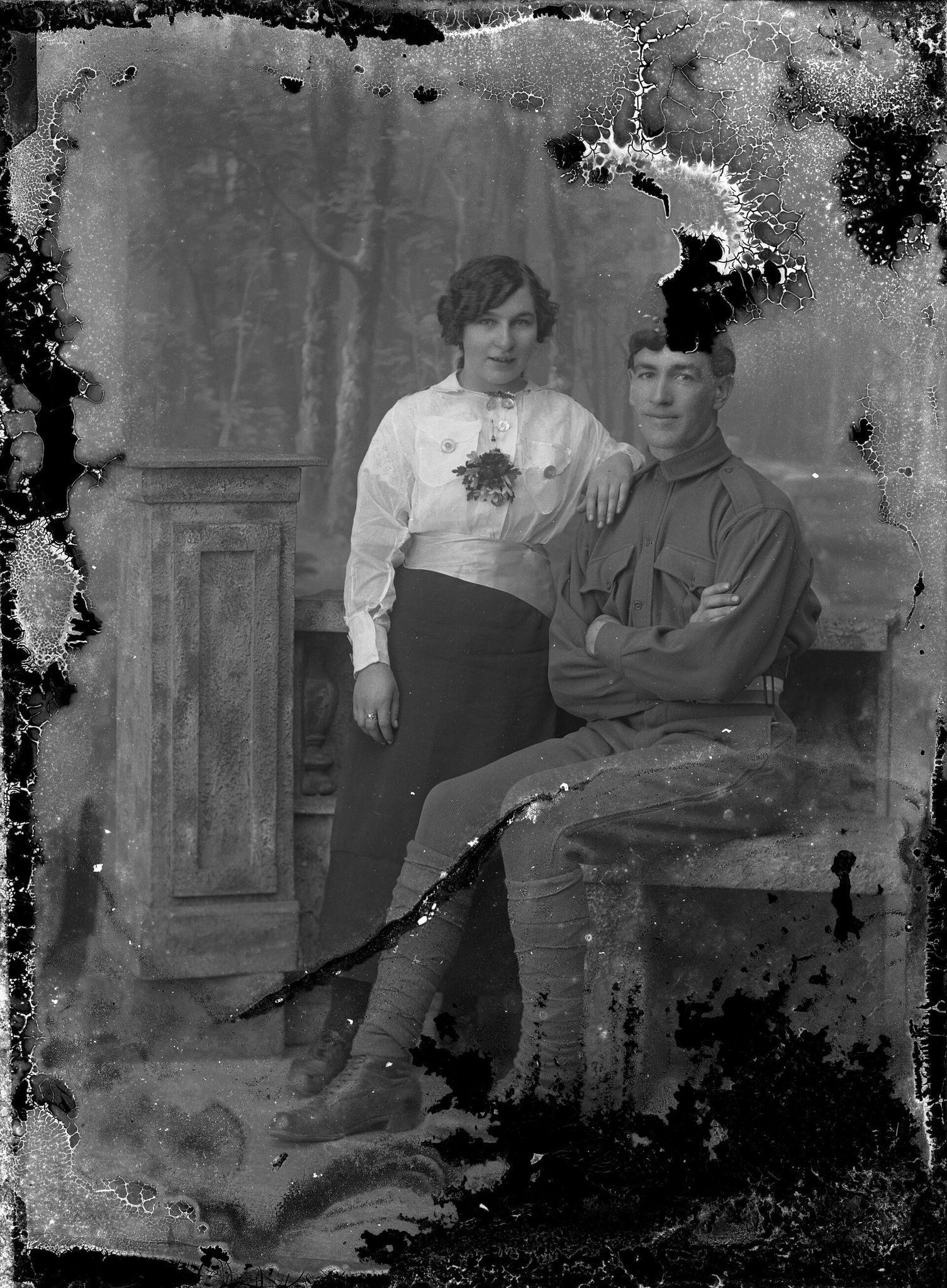
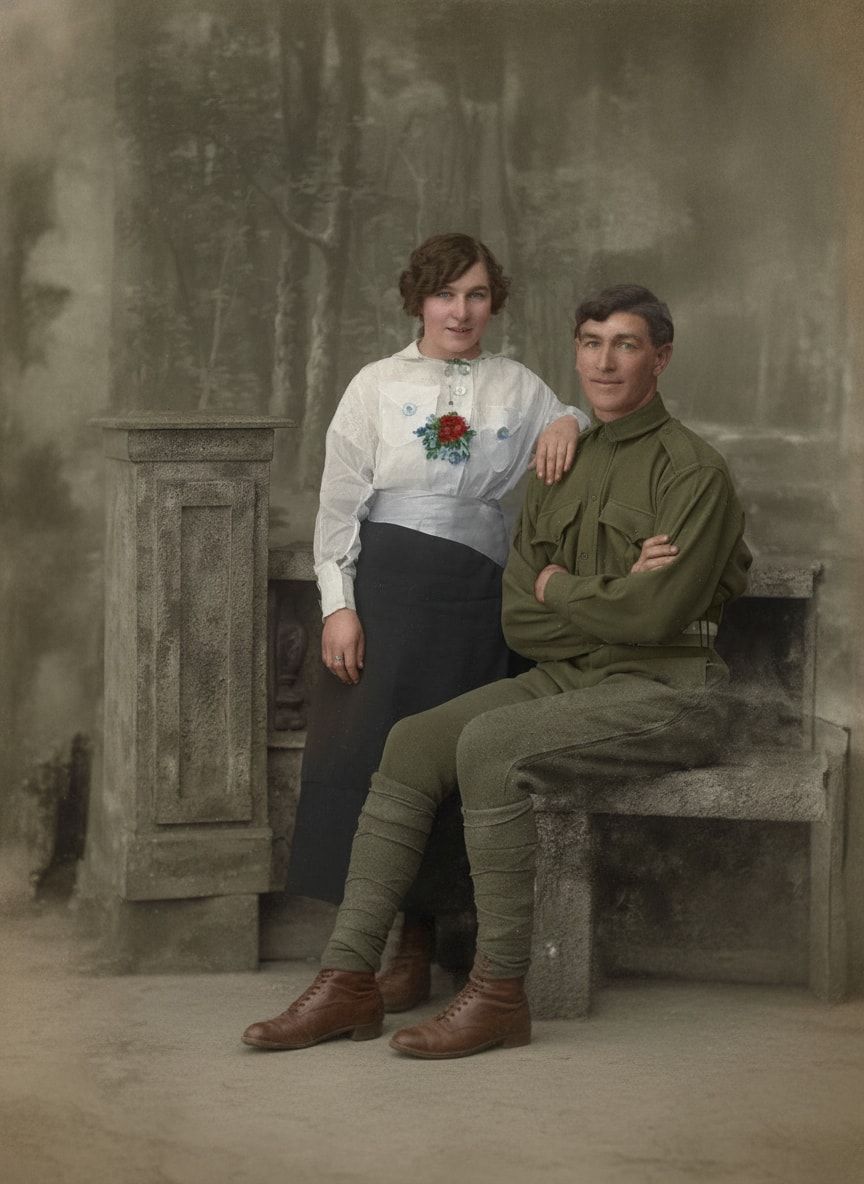
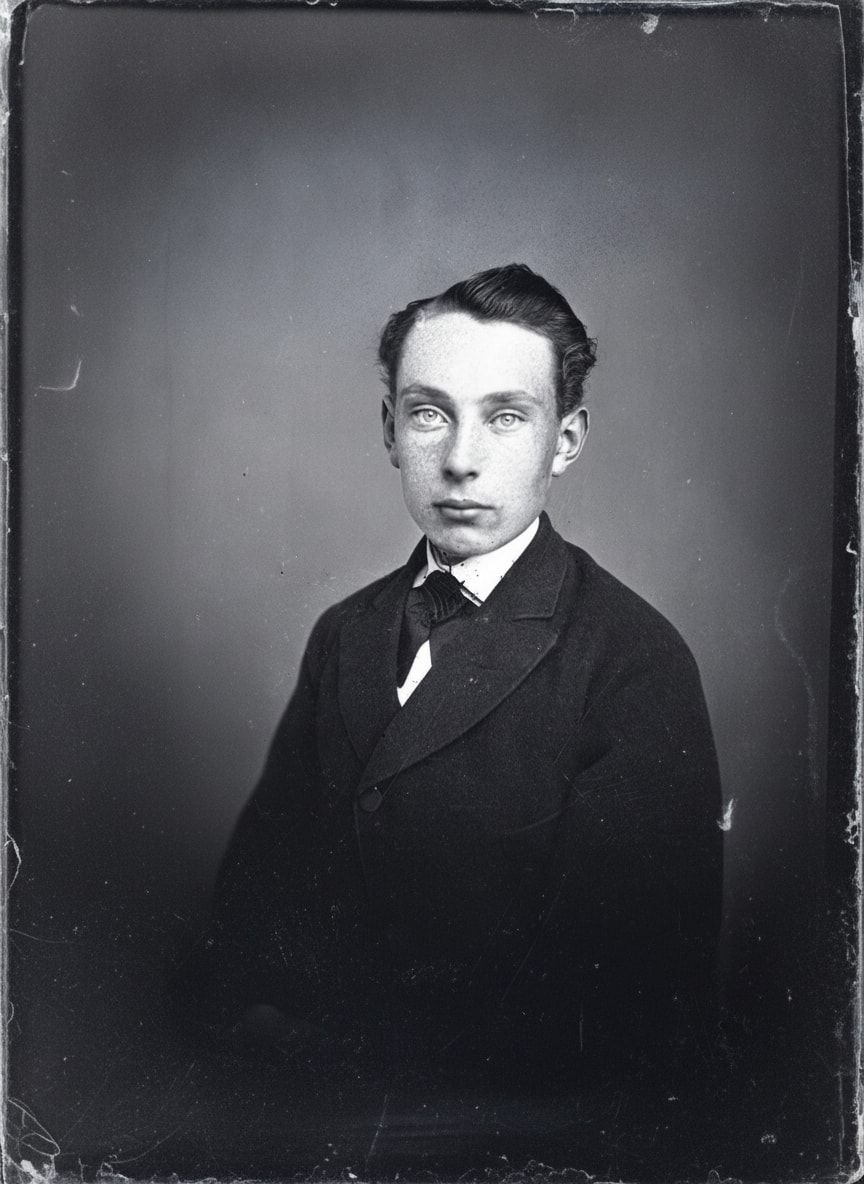
Memora worked on both archive photographs shown here, one with its Colorize tool and one with its Repair & De-scratch tool. Drag the slider on each picture to compare: before is on the left, after is on the right.
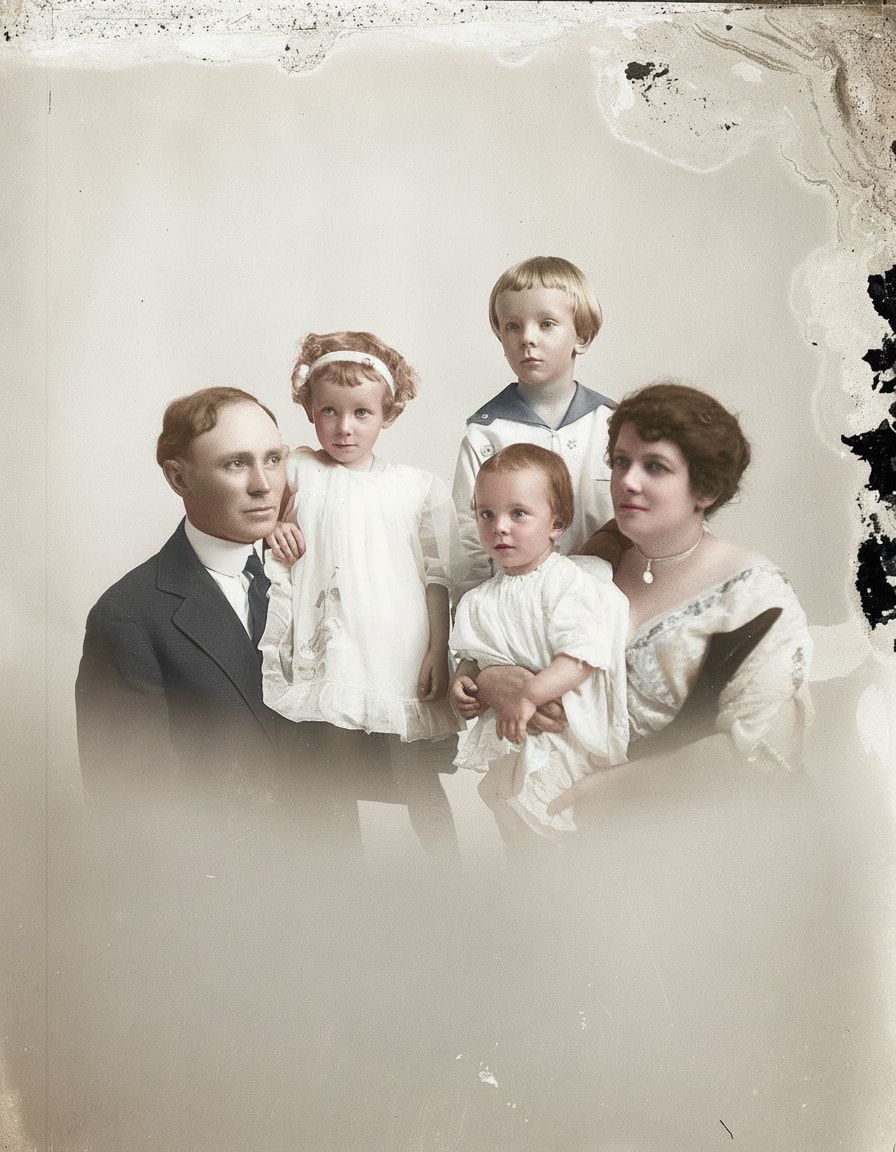
See all examples · Results depend on the condition of the original photo.
Memora is built to preserve faces. When it restores a photo, the people in it stay exactly as you remember them.
This matters because some AI photo tools invent detail. They smooth skin until it looks like plastic, or redraw eyes and mouths, and the result is a sharper picture of a slightly different person.
You can check for yourself. Every result in Memora opens with a before/after slider, so you can compare each face with the original before you save it.

Restoring a photo in Memora takes four steps and no sign-up.
Pick the tool that matches the problem: damage, missing color, blur, low resolution or grain.
Choose one from your photo library or the Files app, or photograph a print with your camera.
The AI repairs the photo while keeping every face as you remember it.
Slide between before and after, then save the result or share it.
Memora includes a photo editor, so you can finish a restored photo without opening another app. Crop it, add filters, effects, text and borders, or mark it up.
Memora is free to download and your first restoration is free. After that, Memora Pro costs $5.99 a week or $39.99 a year in the United States.
Memora sends your photo for processing only to create your result. The original photo is never stored on Memora’s servers.
Memora is free to download and your first restoration is free. That first result is saved with a “Made with Memora” watermark.
To restore more photos you need Memora Pro, which costs $5.99 a week or $39.99 a year in the United States. Apple sets the price in other countries.
Memora’s Restore Photo tool repairs cracks, tears, stains and fading. How well it works depends on the photo: where part of a face is missing completely, the AI has to estimate what was there.
Your first restoration is free, so you can try your own photo before you pay anything.
Memora is built to preserve faces, so the people in your photo stay as you remember them.
Every result opens with a before/after slider, so you can compare each face with the original before you save.
No. You can photograph a print with your iPhone camera inside Memora, or choose a photo or a scan from your photo library or the Files app.
For the best result, photograph the print flat, in even light and without glare.
No. Memora is available only for iPhone and iPad, on iOS 17 or later. There is no Android app and no web version.
Open the Settings app on your iPhone, tap your name, tap Subscriptions, choose Memora and tap Cancel Subscription.
Apple bills the subscription, so it is managed in your Apple ID settings and not inside the app.
Memora sends your photo for processing only to create your result. The original is never stored on Memora’s servers, and photos are not used to train AI models.
The restored result stays on the server only until the app downloads it. After that it exists only on your device.
Download Memora and restore your first photo free.
Your first restoration is free. iPhone and iPad.
Last updated: