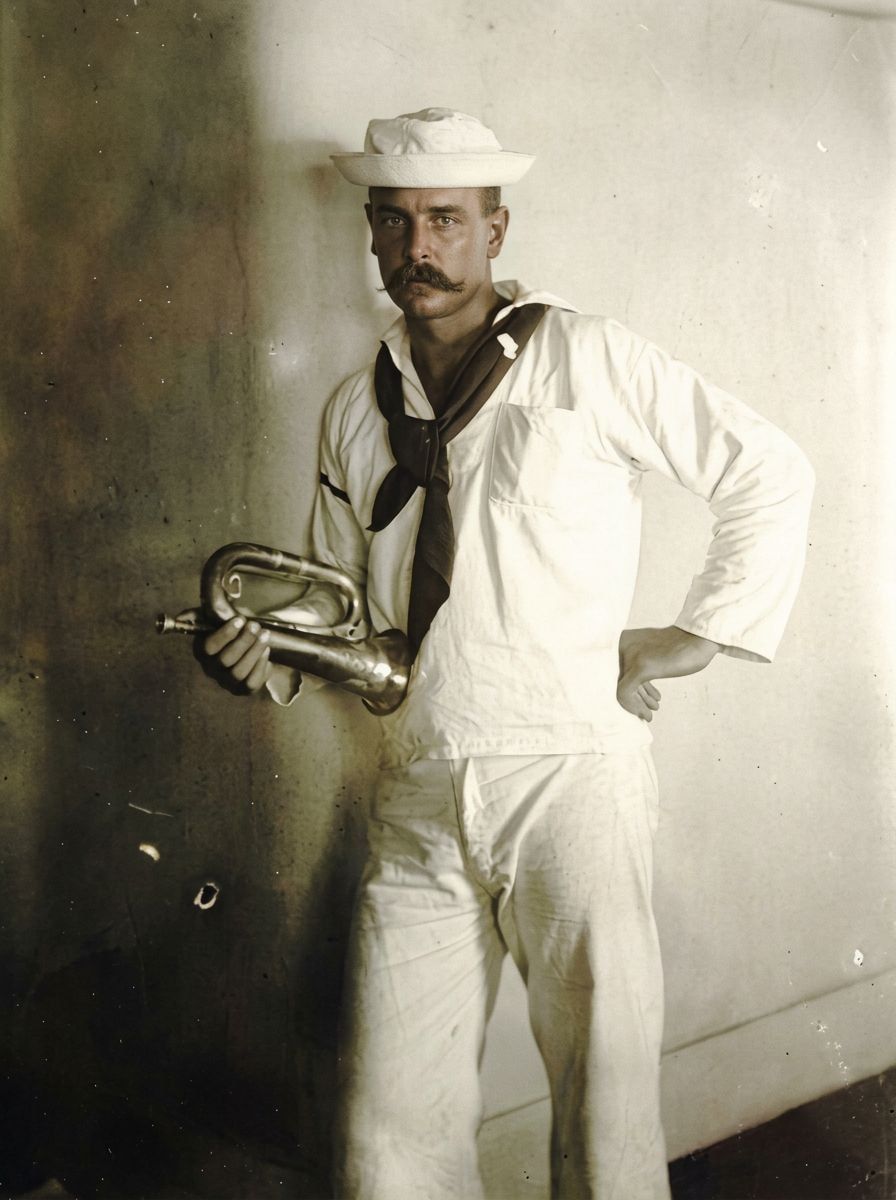
Memora is a photo restoration app for iPhone and iPad, and this page shows ten pictures before and after it worked on them. Eight originals are real archive photographs, and their results are what Memora returned, unedited. The Enhance and Denoise examples at the top are sample portraits from the app, and their results are Memora’s own too. Drag the slider on any picture to compare: before is on the left, after is on the right.
Results depend on the condition of the original photo.
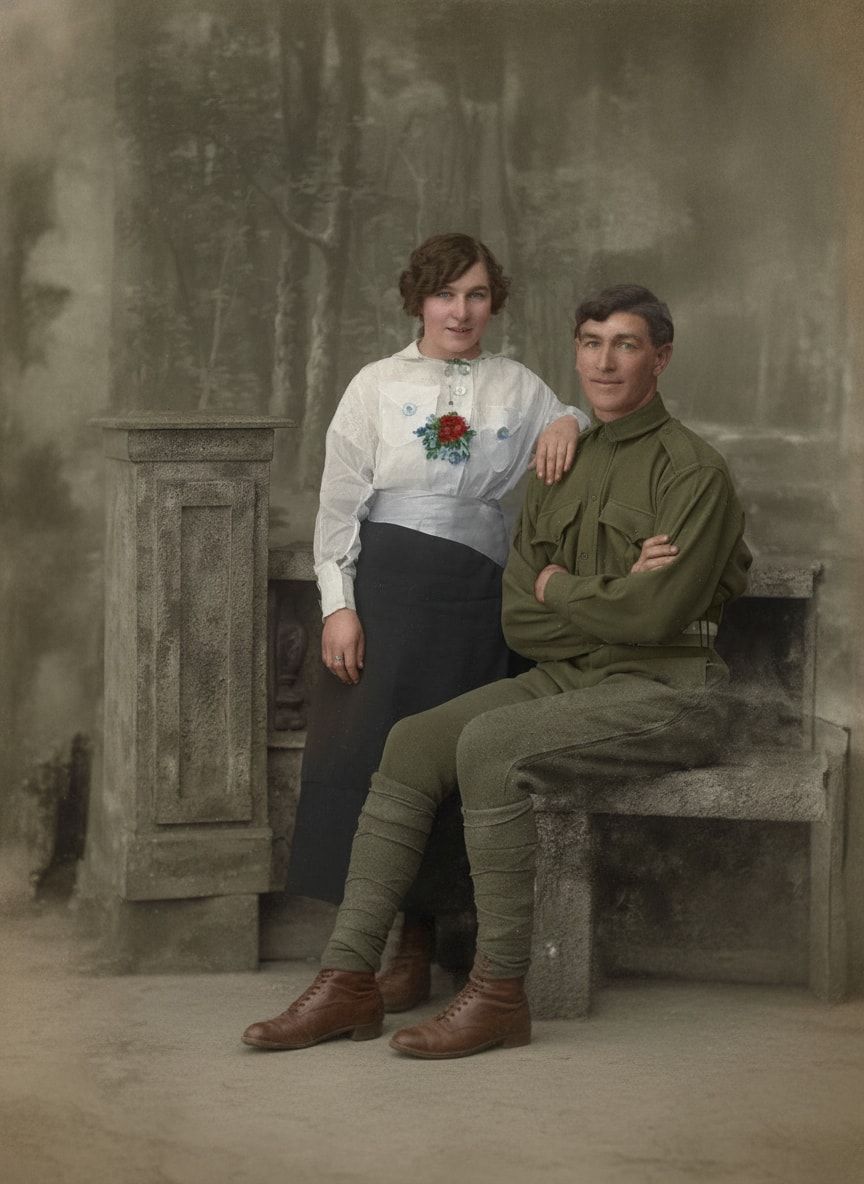
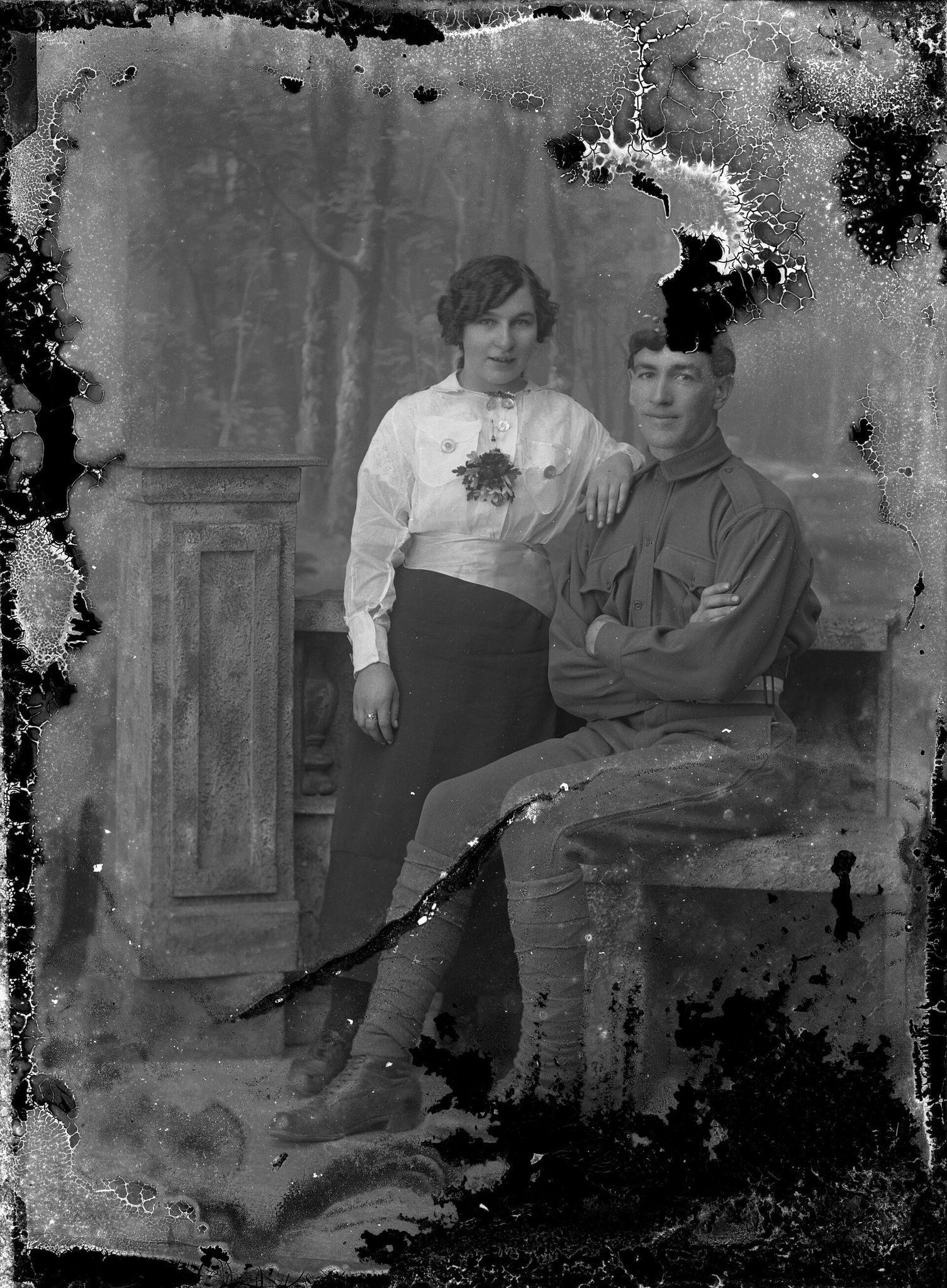
An undated glass-plate portrait of a soldier and a woman had lost large patches of its surface, and Memora’s Restore Photo tool repaired it and added color.
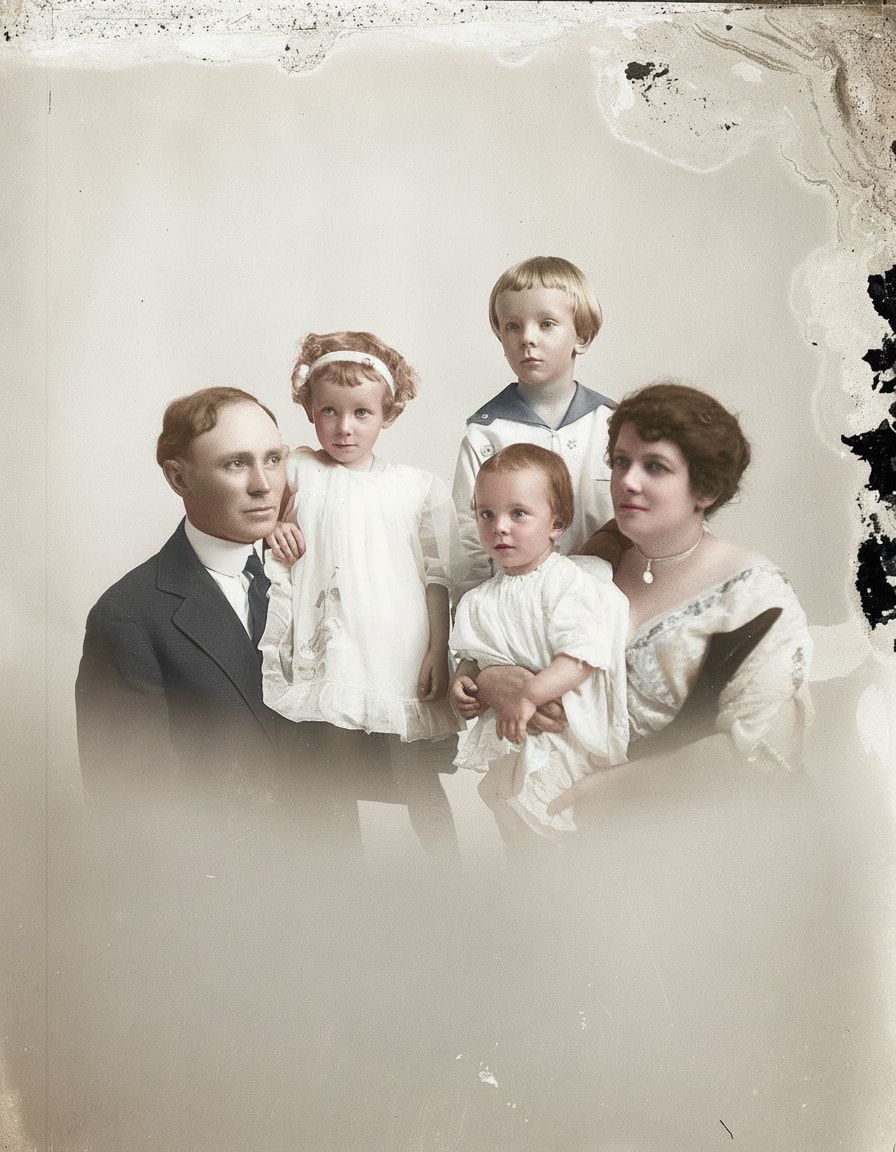
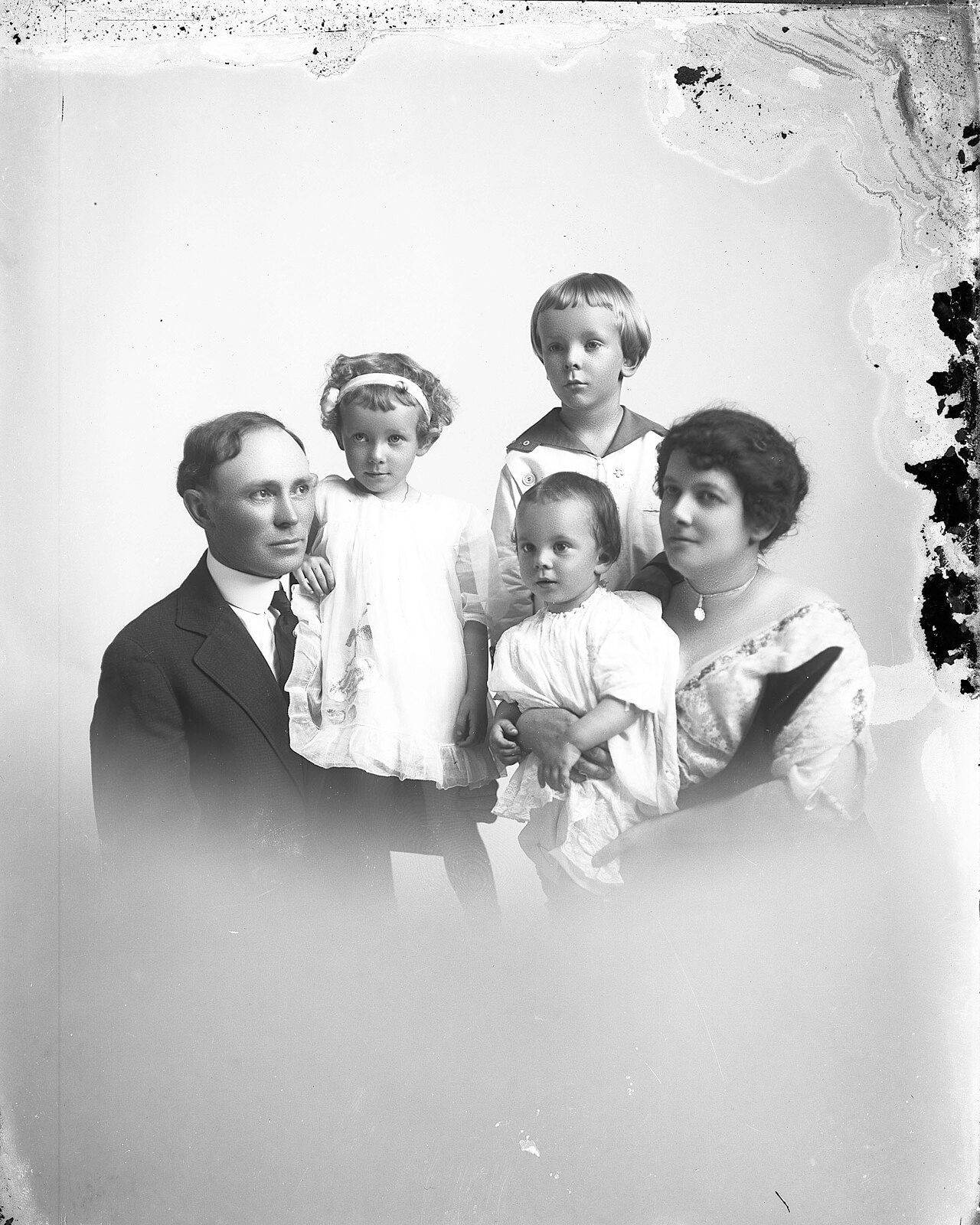
A black and white studio portrait of two parents and three children had no color, and Memora’s Colorize tool added it. The damage at the edge of the plate was left as it was.
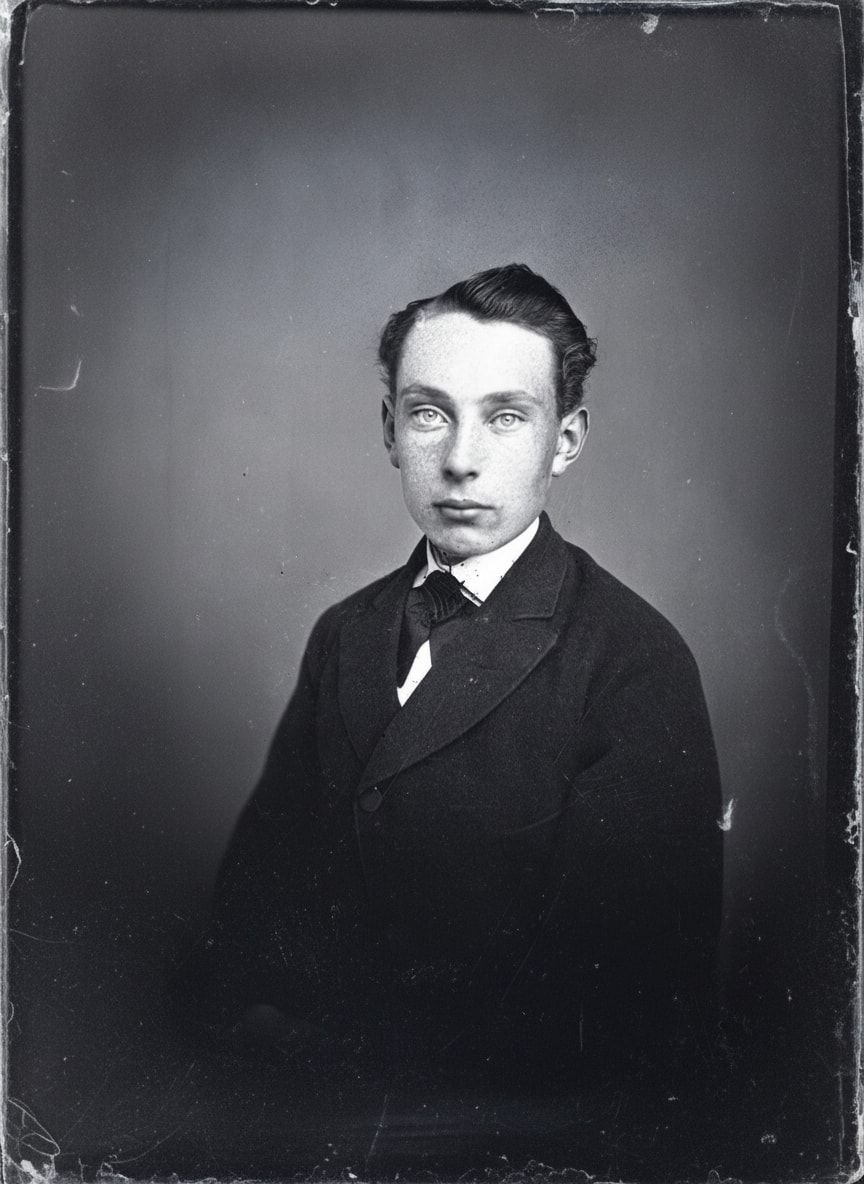
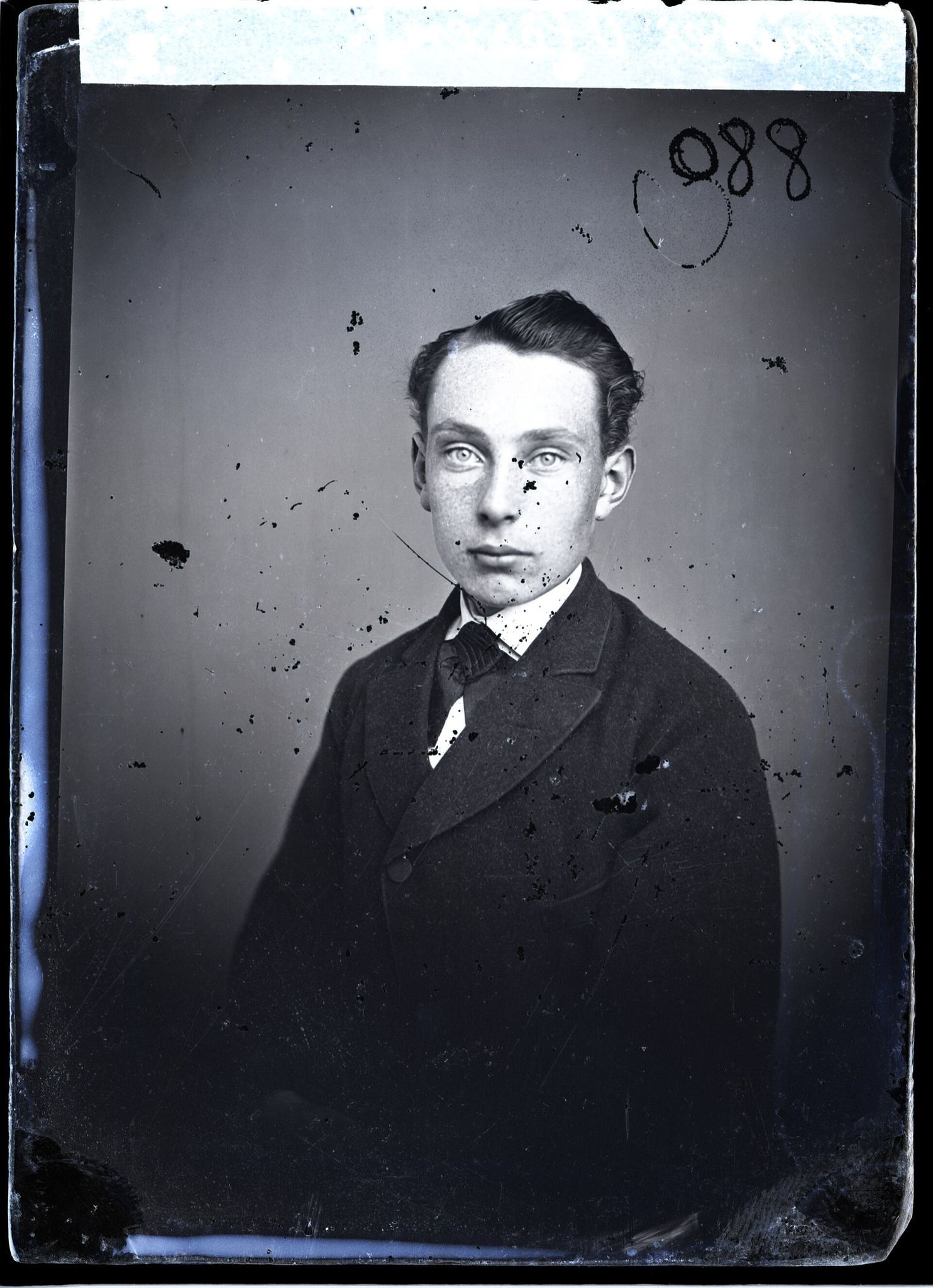
A glass-plate portrait of a young man was covered in dark spots and scratches, and Memora’s Repair & De-scratch tool removed them and kept the photo black and white.
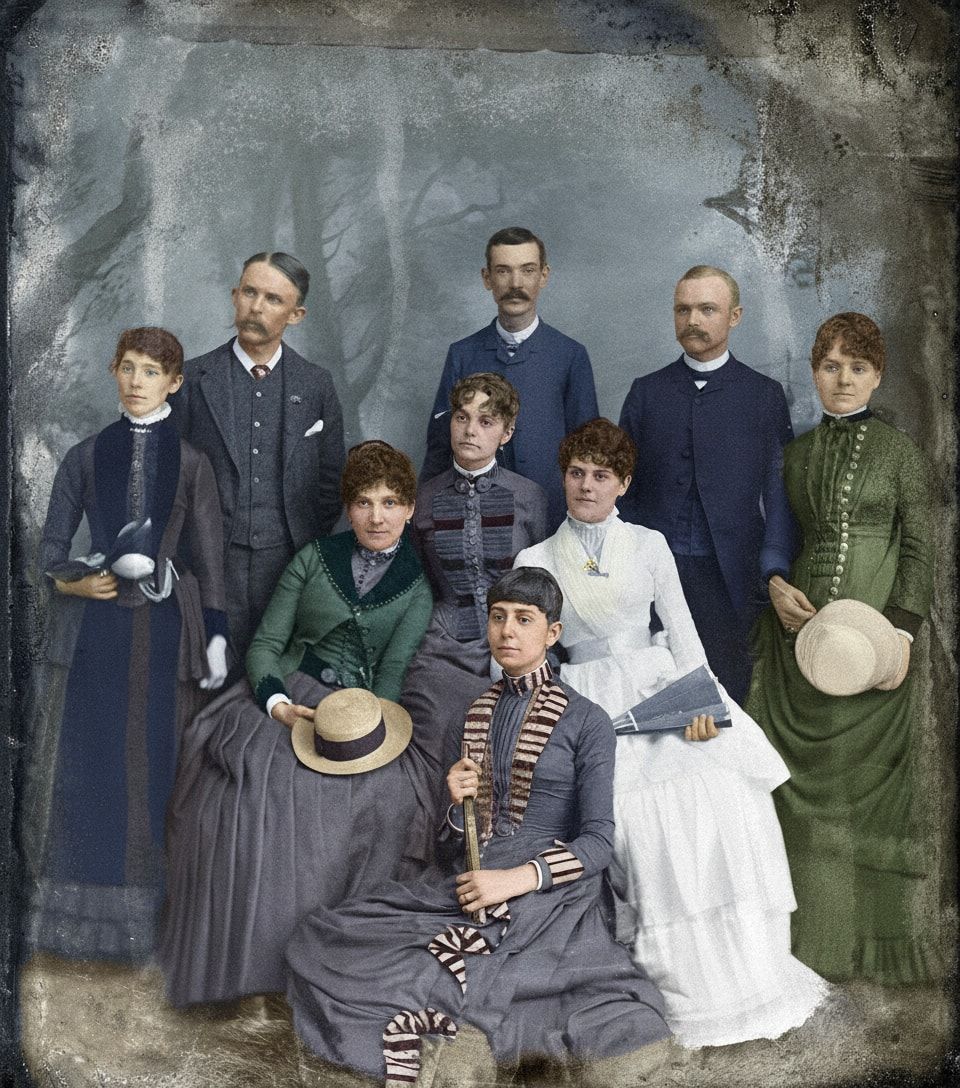
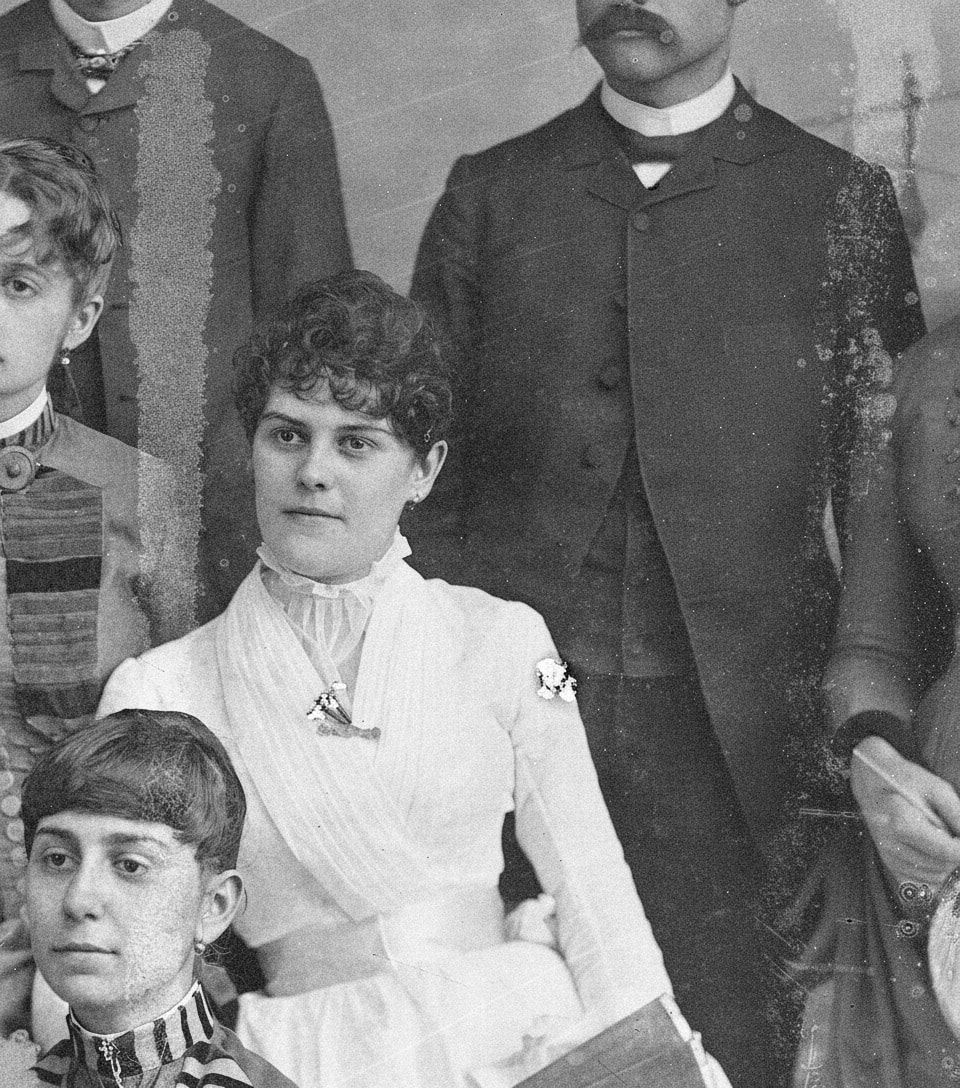
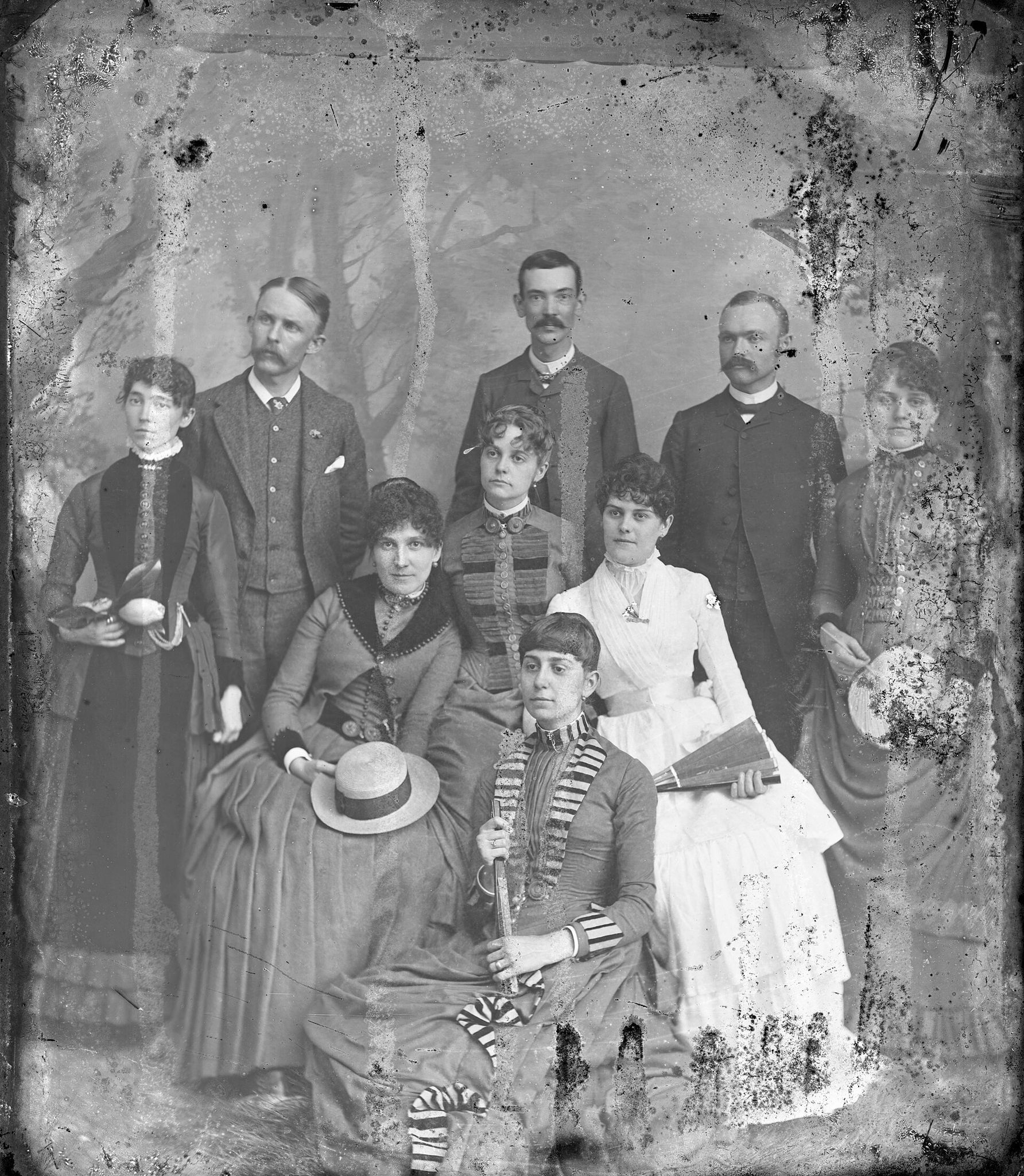
A group portrait from the 1880s was spotted and stained, and Memora’s Restore Photo tool repaired most of the damage and added color. Some spots remain near the edges.
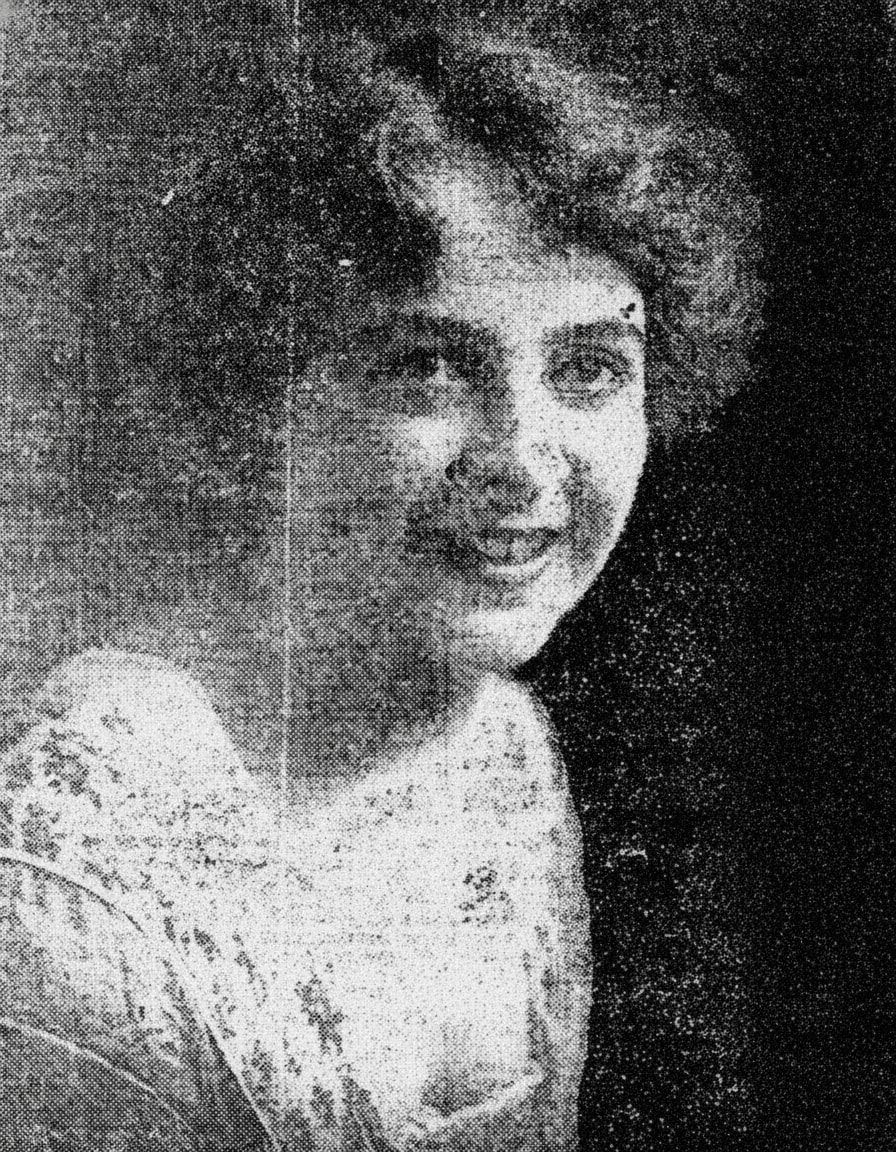
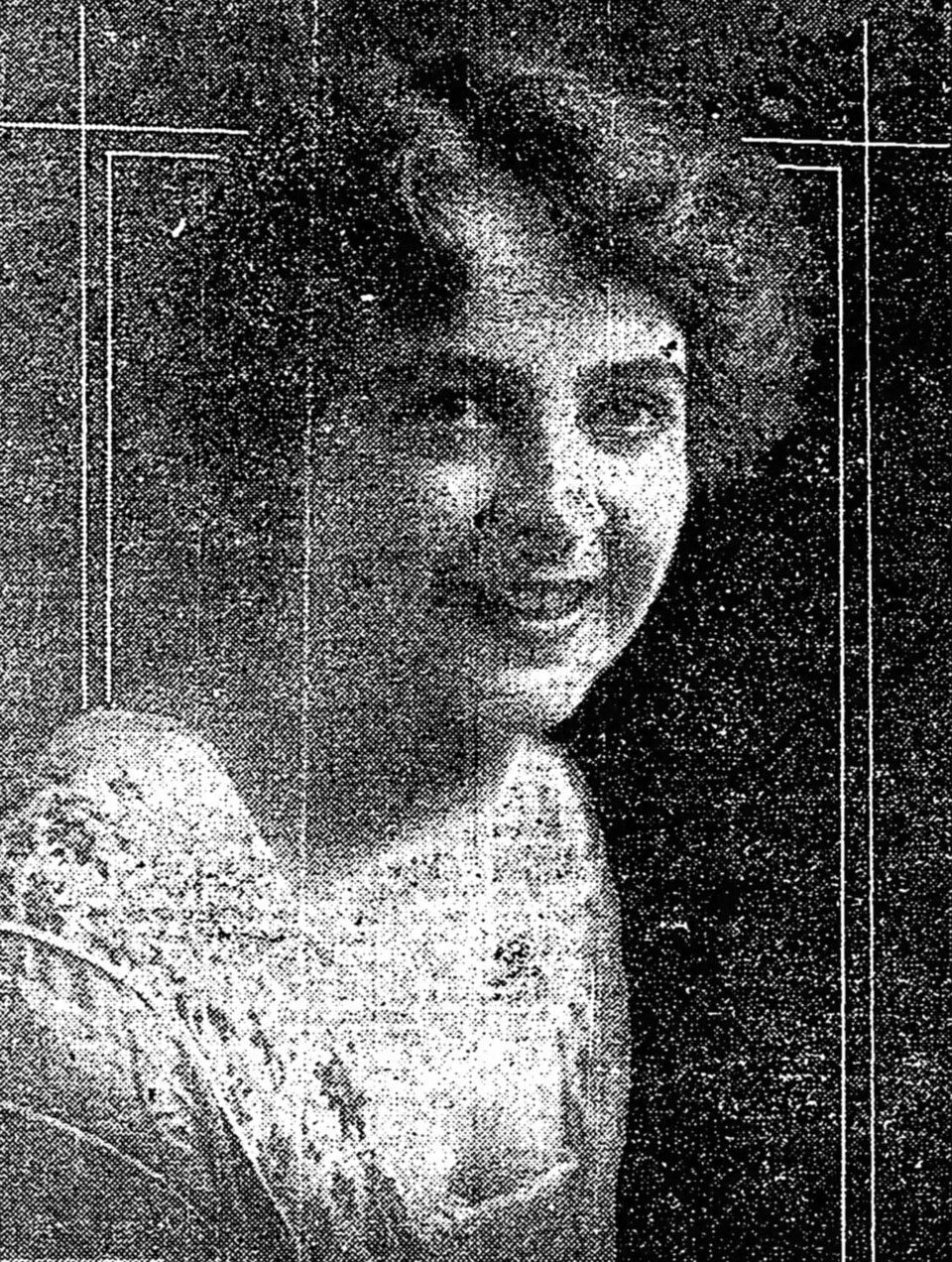
A portrait printed in a 1919 newspaper was coarse and speckled, and Memora’s Denoise tool smoothed some of the speckle. The change is modest on a picture like this one.
Where do these photographs come from?
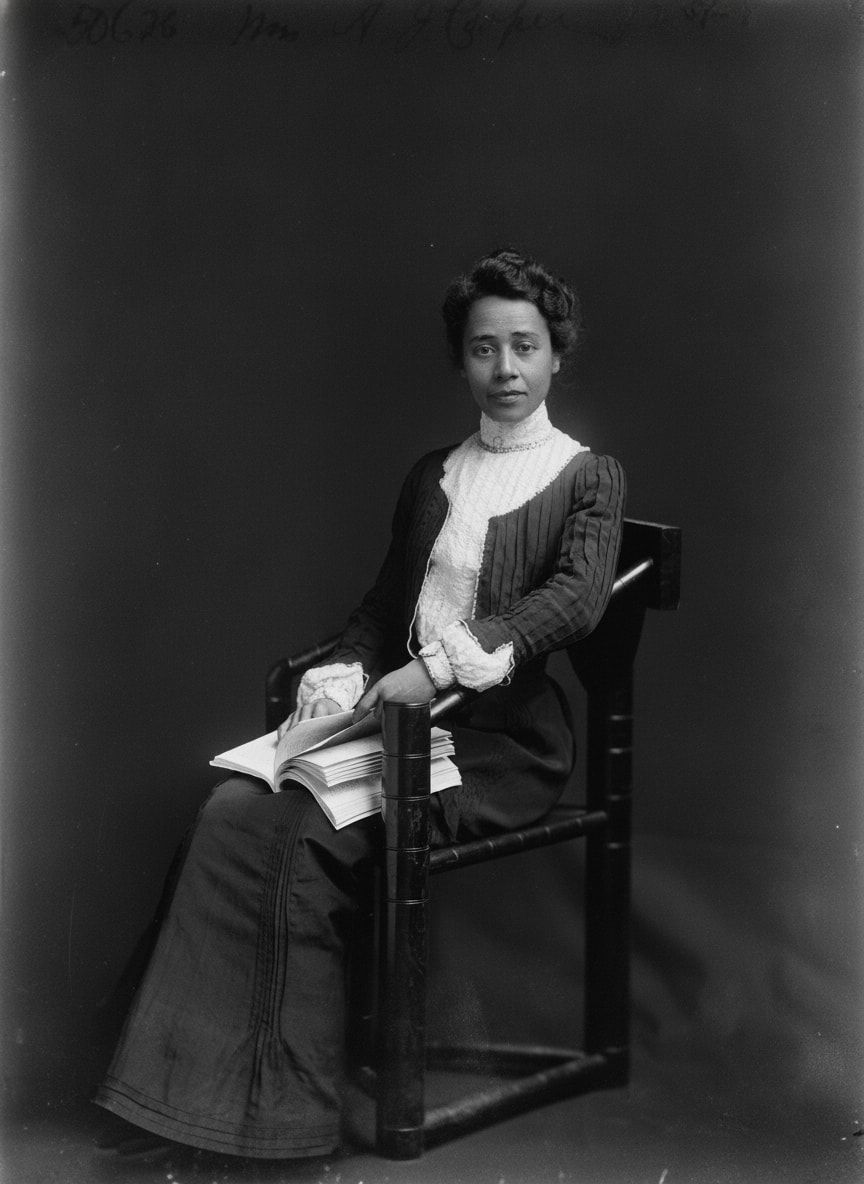
Eight of the original photographs on this page come from public archives. Each of those is in the public domain or has no known copyright restrictions. The other two are sample portraits from the Memora app, restored by Memora.