Restore Photo
Repair old, damaged & faded photos
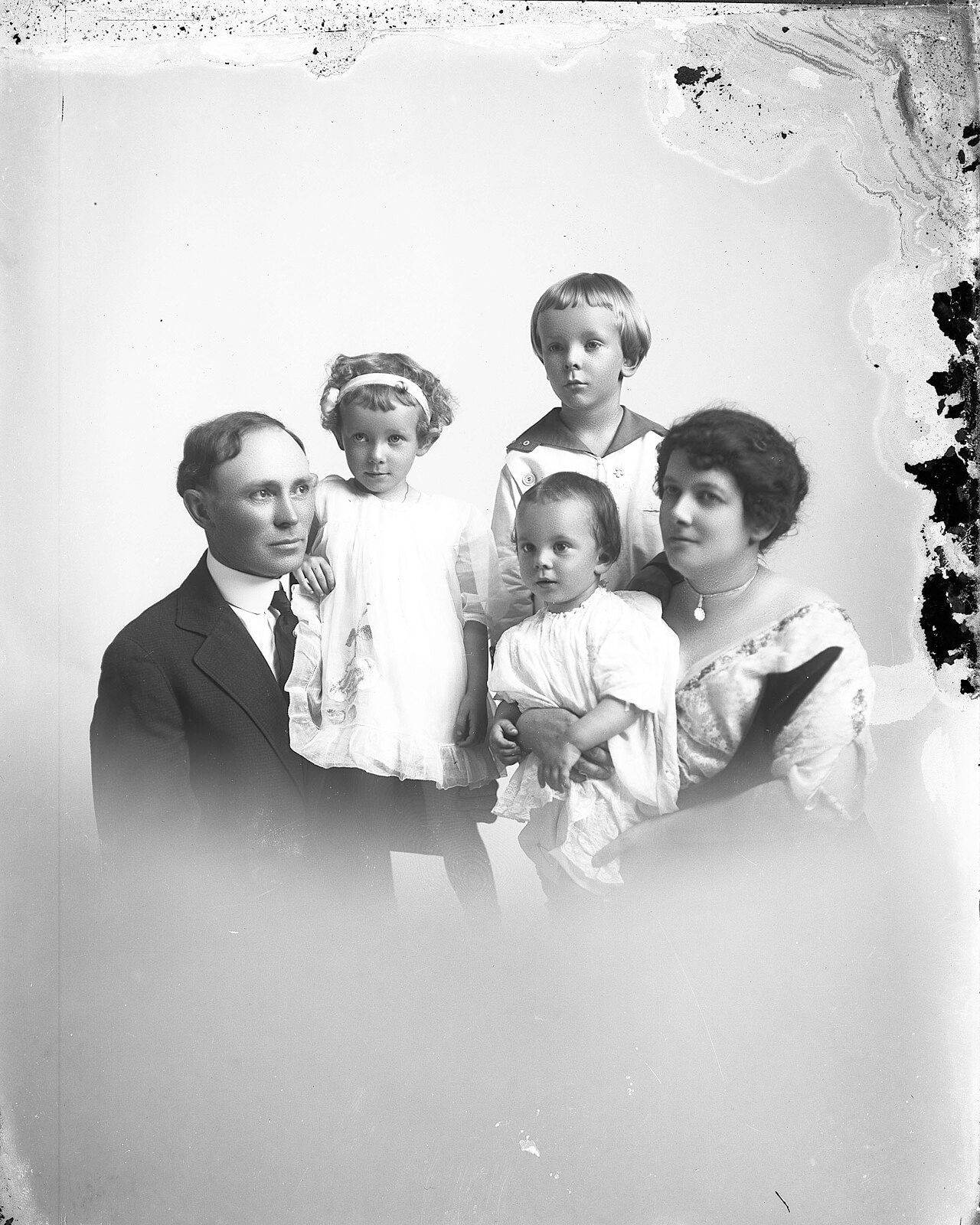
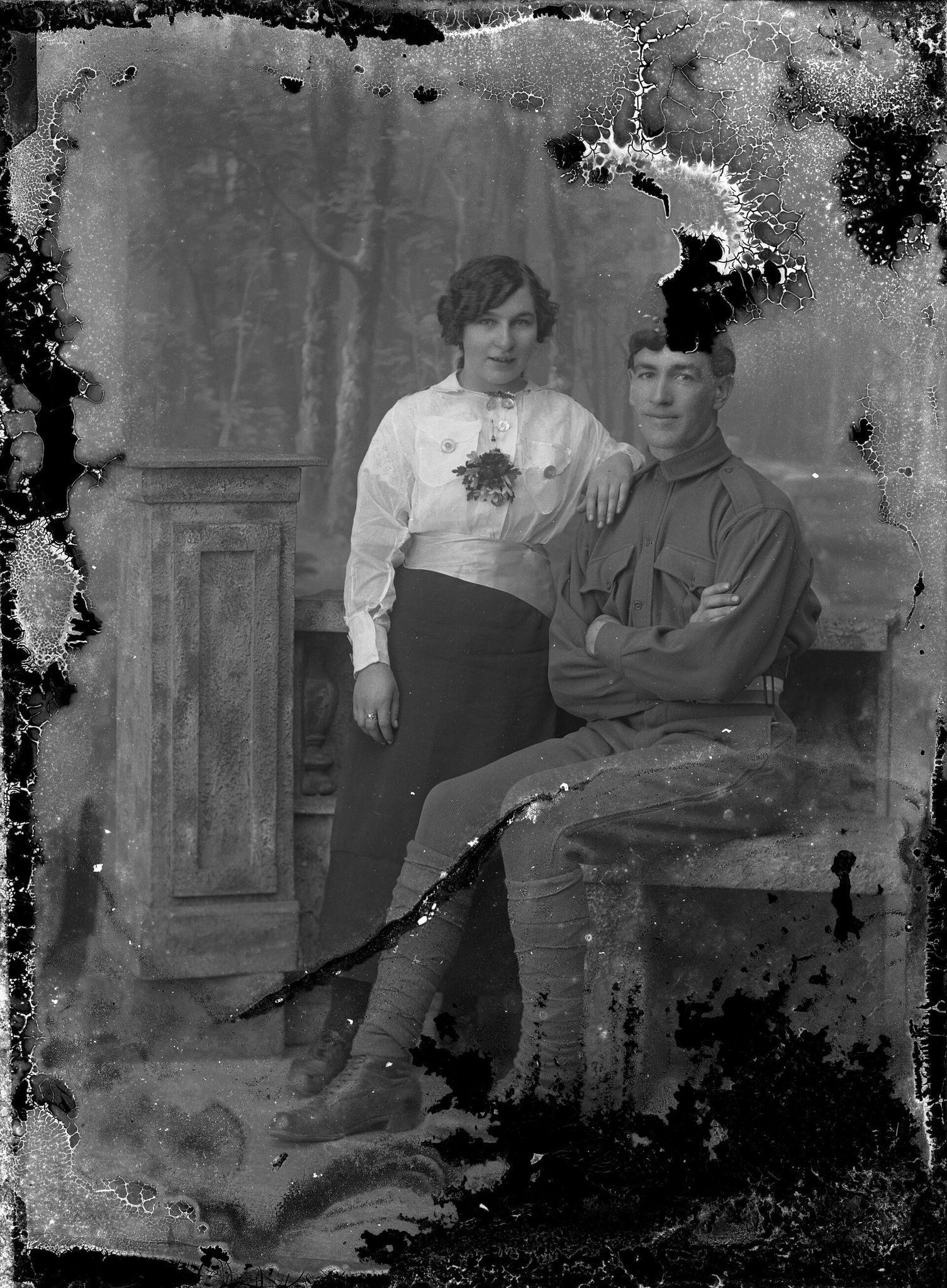
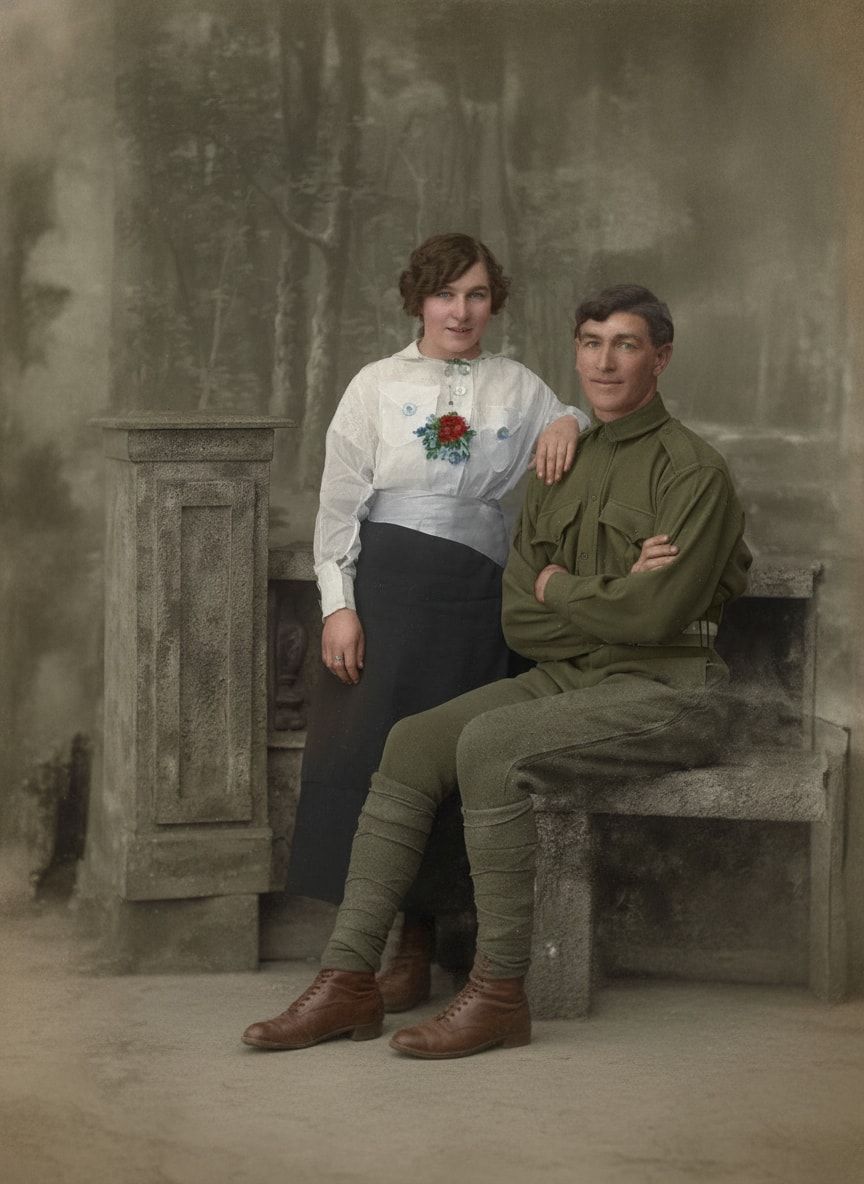
Memora’s Colorize tool adds natural, realistic color to black and white photos. Memora is built to preserve faces, so the people in the picture stay exactly as you remember them.
Colorize is part of Memora, an app for iPhone and iPad. There is no online version and this website does not process photos: you colorize a photo inside the app.

Scan with your iPhone camera
Your first restoration is free. iPhone and iPad.
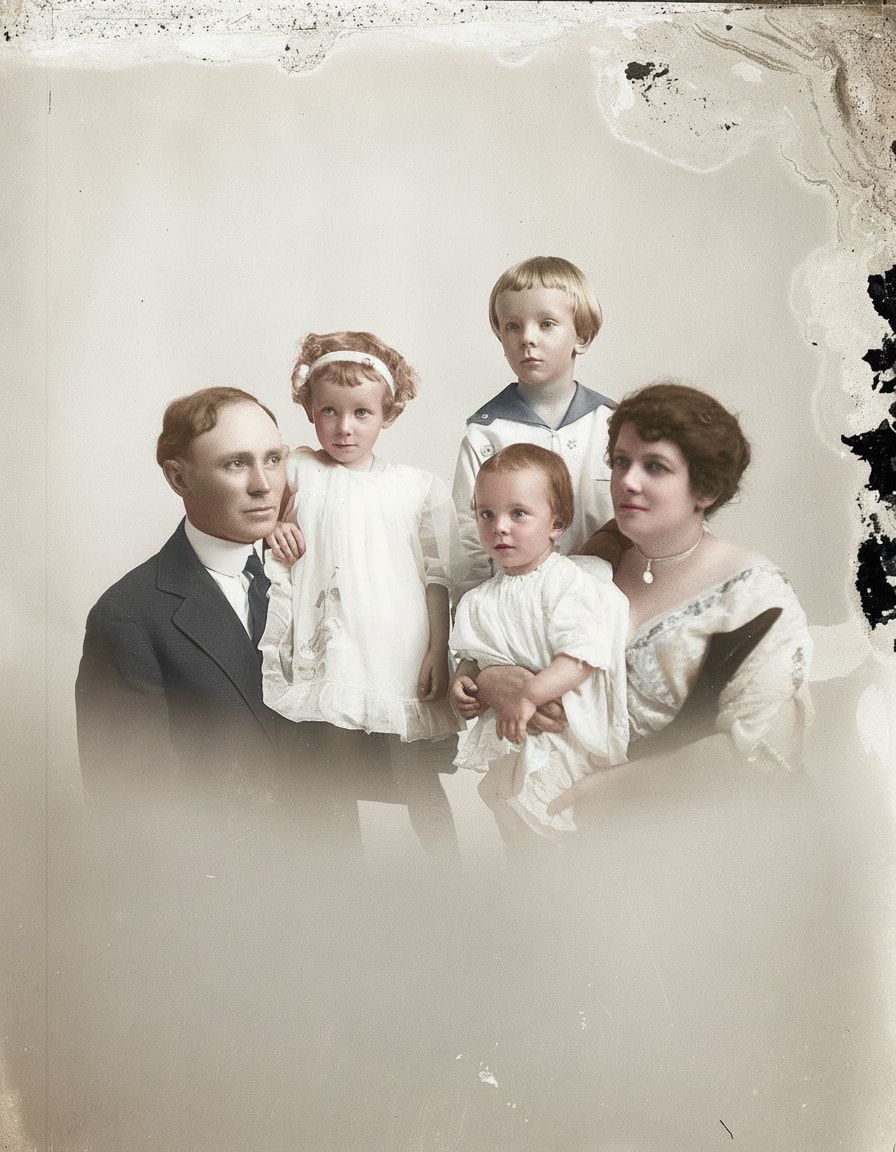
Memora’s Colorize tool turns a black and white photo into a color one. Here is what you get:
Colorizing a black and white photo in Memora takes four steps, and you do not need an account.
Open Memora on your iPhone or iPad and pick the Colorize tool.
Pick it from your photo library or the Files app, or take a picture of the print with your camera.
The AI gives the photo natural, realistic color and preserves the faces in it.
Drag the slider between the black and white original and the color version, then save the result or share it.
Memora’s Colorize tool cannot know what the real colors were, and it does not repair a damaged photo. Keep both limits in mind:
Not necessarily. Memora’s Colorize tool adds natural, realistic color, but every color is the AI’s best estimate and not a record of the real one.
The AI cannot know the true color of a dress, a pair of eyes or a wall. If someone in the family remembers the real colors, trust their memory over the picture.
Your first restoration in Memora is free, and you can use it on the Colorize tool. That result is saved with a “Made with Memora” watermark.
To colorize more photos you need Memora Pro, which costs $5.99 a week or $39.99 a year in the United States. Pro removes the watermark and gives you unlimited restorations.
No. Memora is an iPhone and iPad app, and this website does not process photos.
The app needs iOS 17 or later. There is no web version and no Android app.
Memora sends your photo for processing only to create the color version, and the original is never stored on Memora’s servers.
The color result stays on the server only until the app downloads it and is then deleted. Photos are not used to train AI models.
Memora’s Restore Photo tool repairs damage and fading, and its Enhance tool sharpens blurry faces.
Repair old, damaged & faded photos
Sharpen, unblur & improve faces
Download Memora and choose Colorize. Your first restoration is free.
Your first restoration is free. iPhone and iPad.
Last updated: