

Enhance
Sharpen, unblur & improve faces
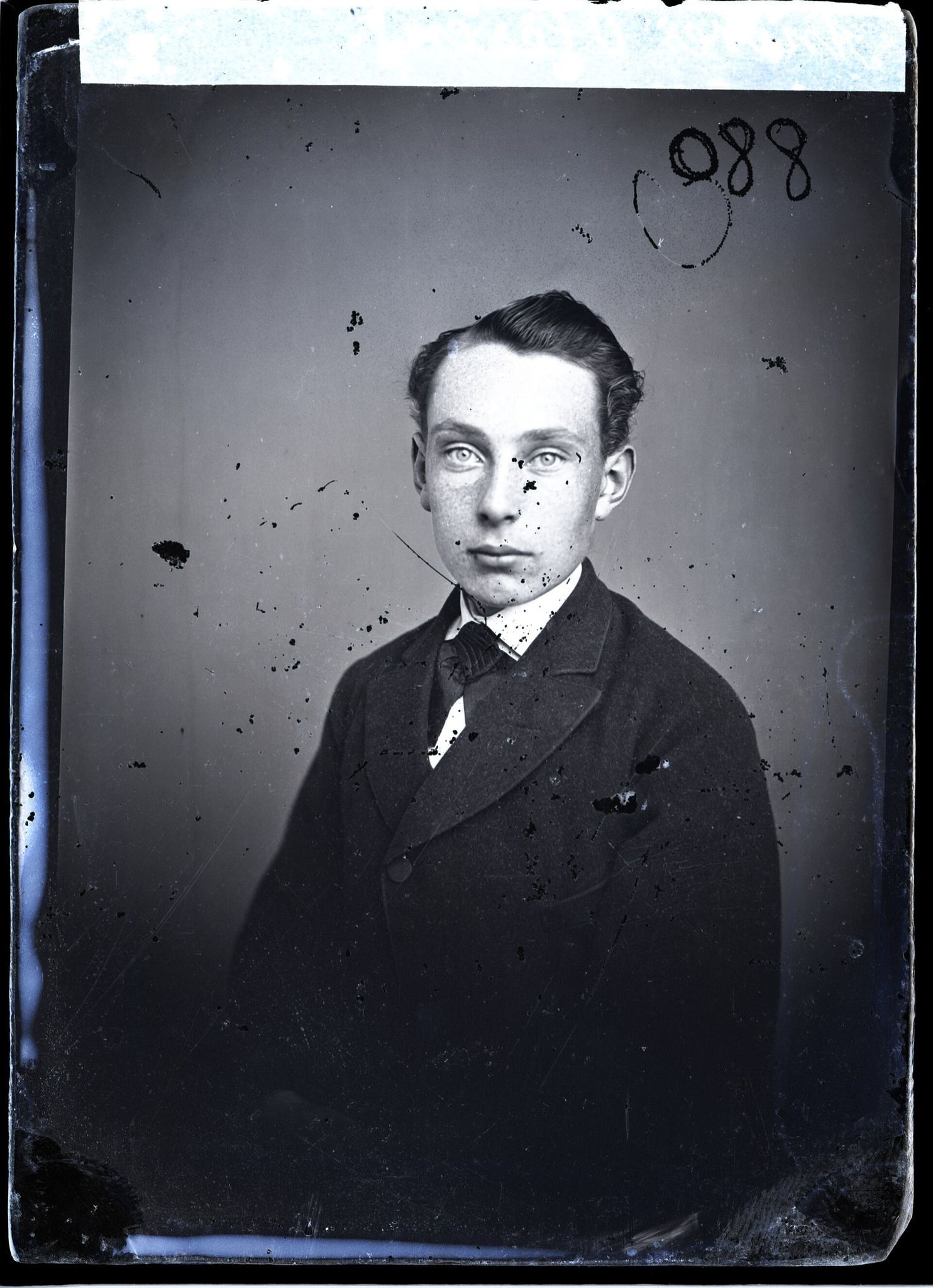
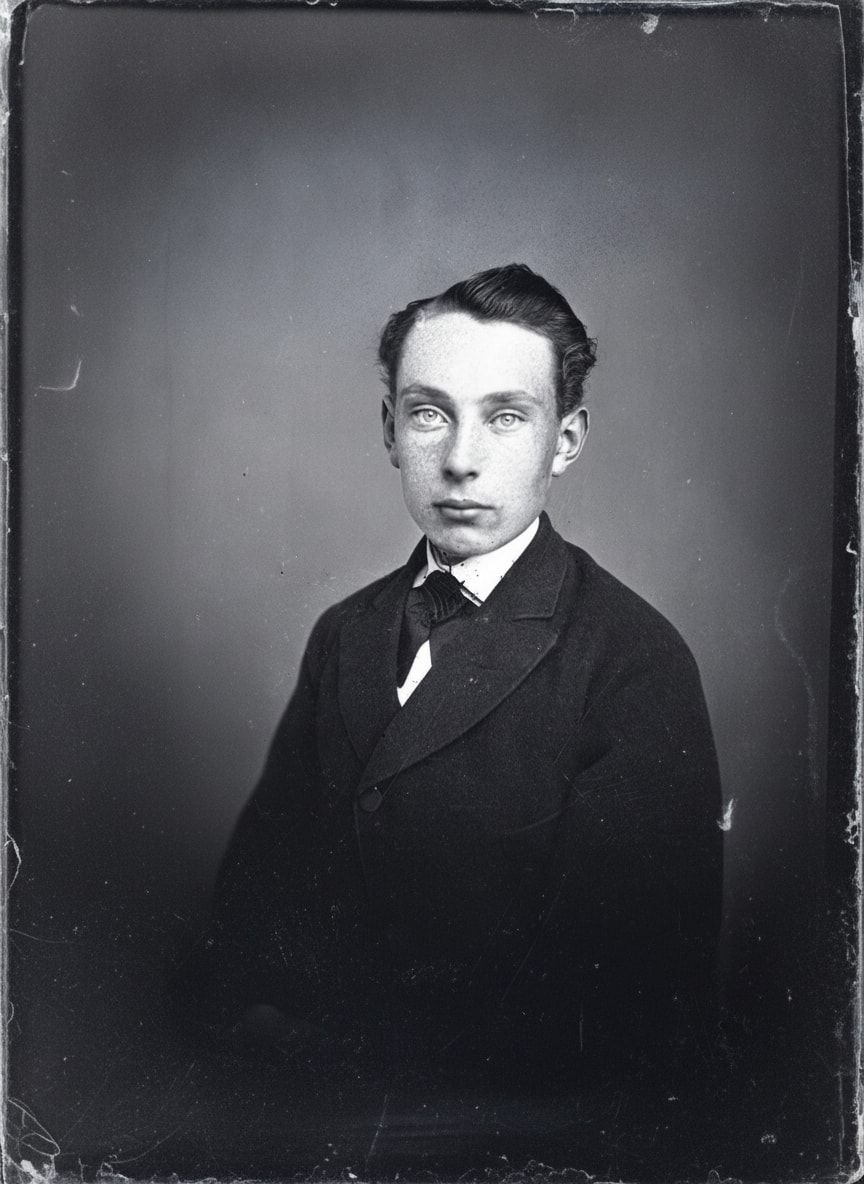
Memora’s Denoise tool removes grain, noise and haze from photos. It is made for old scans and for shots taken in low light, where speckle sits over the whole picture.
Memora runs on iPhone and iPad as an app. It is not an online tool, and grain is removed in the app rather than on this website.

Scan with your iPhone camera
Your first restoration is free. iPhone and iPad.

Denoise cleans three things from a photo: grain, noise and haze. They turn up most often in old scans and in shots taken in low light.
Removing grain with Memora is a four-step job that needs no account or sign-up.
Launch Memora and select the Denoise tool.
A scan can come from your photo library or the Files app; a print can be photographed with the camera.
The AI clears away grain, noise and haze.
Move the slider from before to after to check the cleaned picture, then save or share it.
Denoise cleans grain, noise and haze, and it leaves other problems alone. Two of those problems are easy to mistake for grain:
Yes. Memora’s Denoise tool cleans grain, noise and haze from scanned photos, in the Memora app on your iPhone or iPad.
Add the scan from your photo library or the Files app. No account is needed.
Use Denoise when the photo is grainy, noisy or hazy, and Enhance when it is blurry.
Grain is the fine speckle that covers a scan or a low-light shot. Blur is a lack of focus, where edges and faces look soft. Denoise deals with the first and Enhance with the second.
Your first restoration is free, whichever tool you choose, and the result is saved with a “Made with Memora” watermark.
Cleaning more photos takes a Memora Pro subscription at $5.99 a week or $39.99 a year (US prices). Apple bills it, you cancel it through your Apple ID, and the app has no ads either way.
No. Denoise runs in the Memora app, which is available for iPhone and iPad on iOS 17 or later and nowhere else. This website does not process photos, and Memora has no Android app.
Memora’s Enhance tool sharpens blurry photos, and its Repair & De-scratch tool removes scratches, tears and creases.
Sharpen, unblur & improve faces
Remove scratches, tears & damage
Download the Memora app, pick Denoise and start with your grainiest scan.
Your first restoration is free. iPhone and iPad.
Last updated: