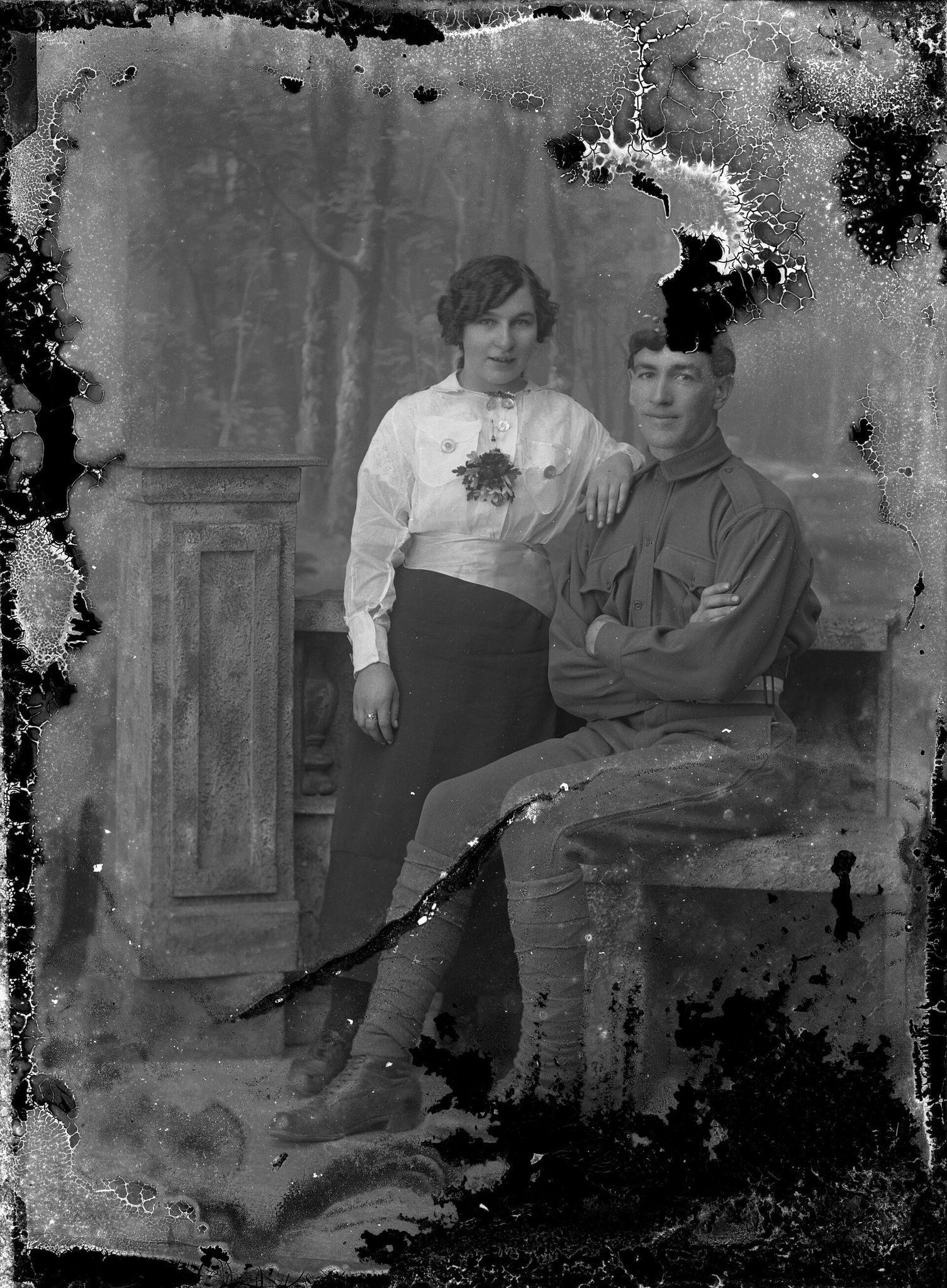
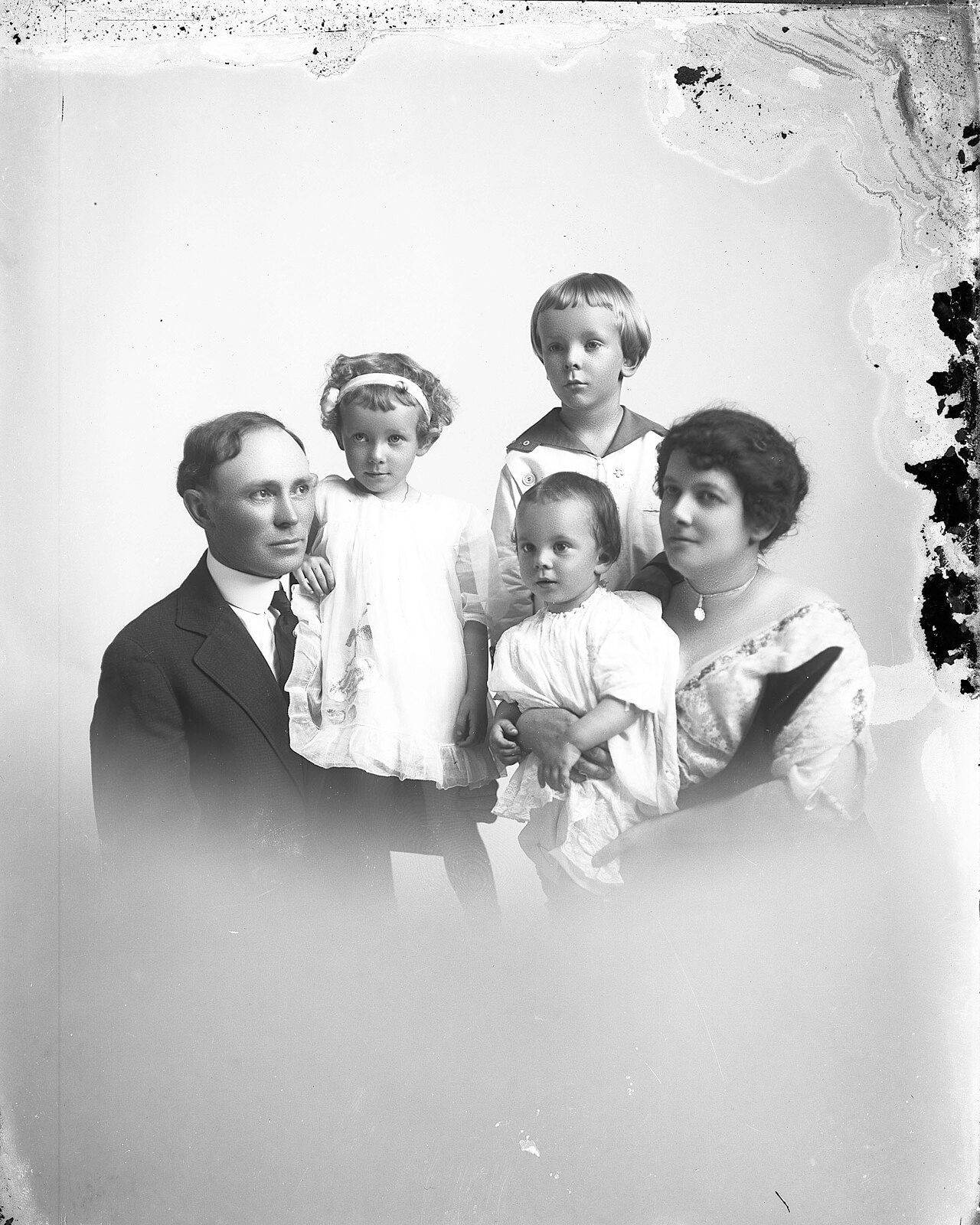
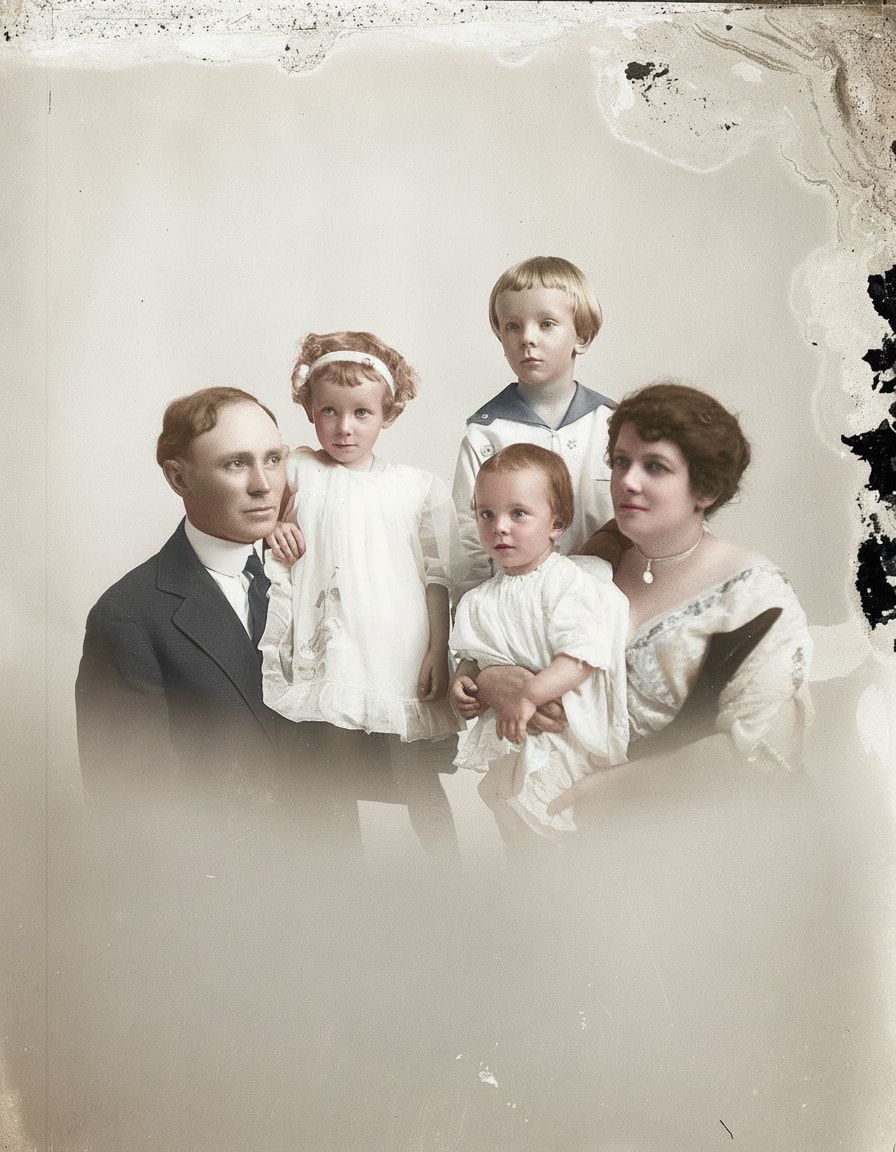
Colorize
Bring black & white photos to life
Memora’s Restore Photo tool repairs old, damaged and faded photos: cracks, tears, stains and fading. A black and white or sepia photo also comes back in color, and the people in it stay exactly as you remember them.
Memora is an app for iPhone and iPad. It is not an online tool: you restore photos in the app, not in a web browser.

Scan with your iPhone camera
Your first restoration is free. iPhone and iPad.
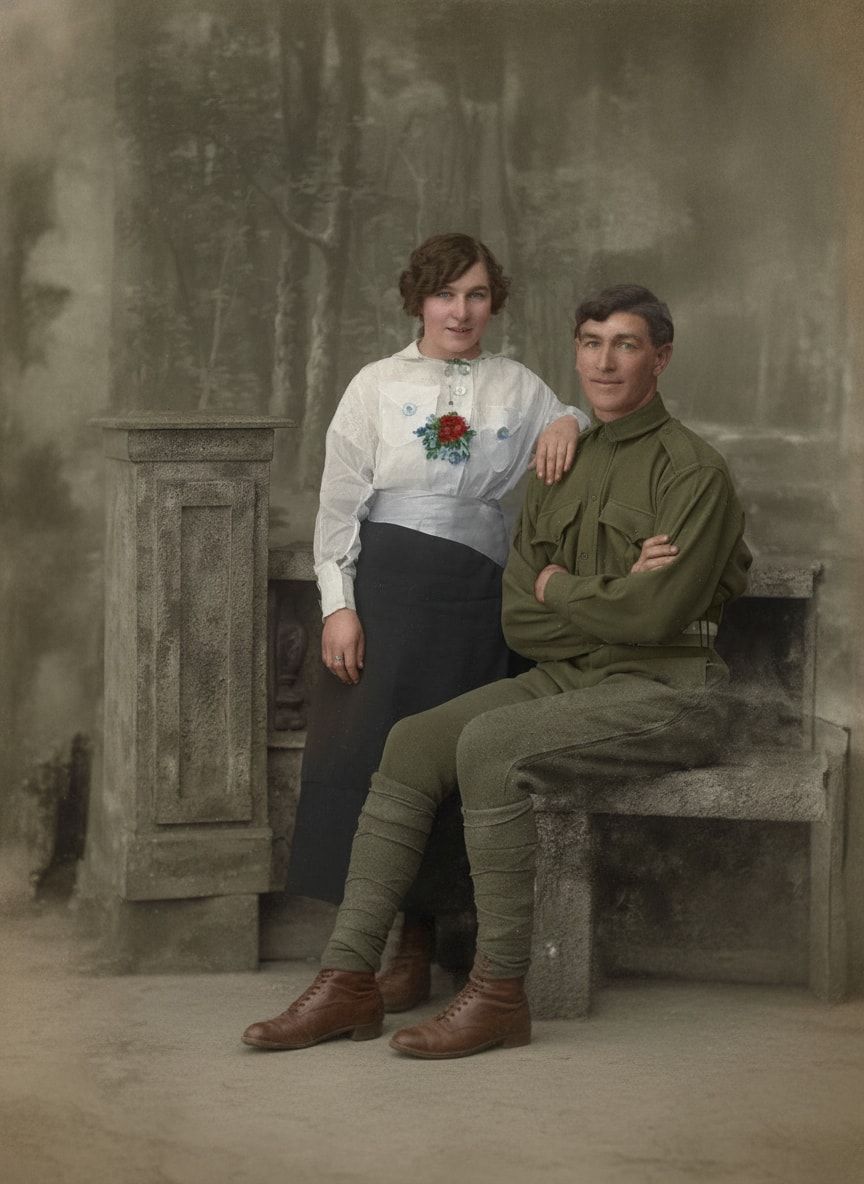
Memora’s Restore Photo tool repairs the damage that age leaves on a print. It handles all of this in the same pass:
Restoring an old photo in Memora takes four steps and no sign-up.
Open Memora and choose the Restore Photo tool.
Choose a photo or a scan from your library or the Files app, or photograph the print with your camera.
The AI removes the damage while keeping every face as you remember it.
Slide between before and after, then save the result or share it.
Memora’s Restore Photo tool cannot recover what the photo never recorded, and it cannot leave a black and white photo uncolored.
Yes. Memora can take the picture itself: choose the camera when you add a photo and photograph the print with your iPhone.
Lay the print flat, use even light and avoid reflections on glossy paper.
Memora is built to preserve faces, so the people in your photo stay as you remember them.
Every result opens with a before/after slider, so you can compare each face with the original before you save.
Your first restoration is free, and it is saved with a “Made with Memora” watermark.
After that you need Memora Pro, which costs $5.99 a week or $39.99 a year in the United States and removes the watermark.
No. Memora is an app for iPhone and iPad on iOS 17 or later. There is no web version and no Android app.
Memora’s Colorize tool adds color without changing anything else, and its Repair & De-scratch tool removes scratches, tears and creases without adding color.
Bring black & white photos to life
Remove scratches, tears & damage
Download Memora, choose Restore Photo and see your own picture repaired.
Your first restoration is free. iPhone and iPad.
Last updated: